
802.11ac Wave 2 Dual-Band PoE Outdoor Access Point
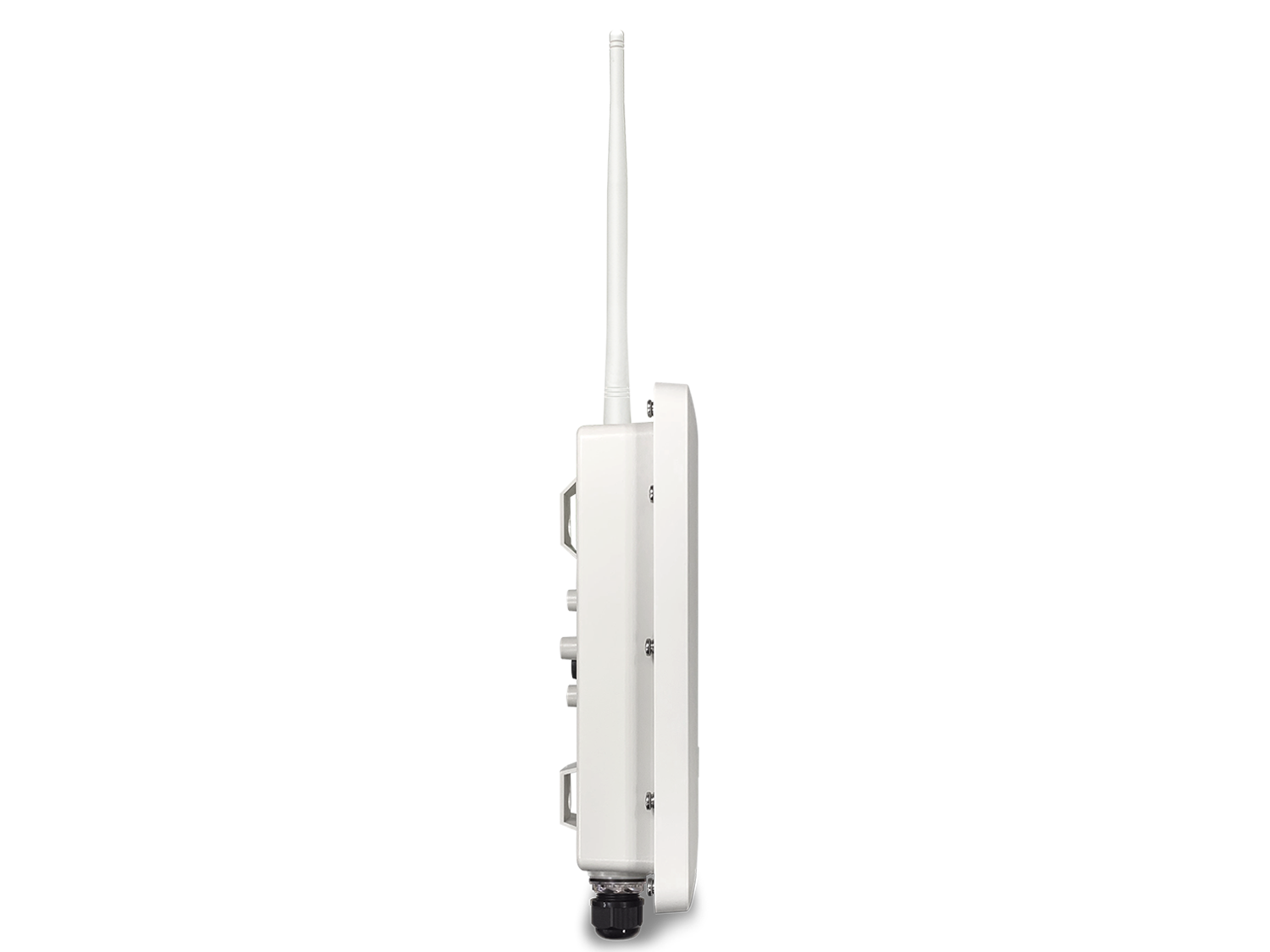
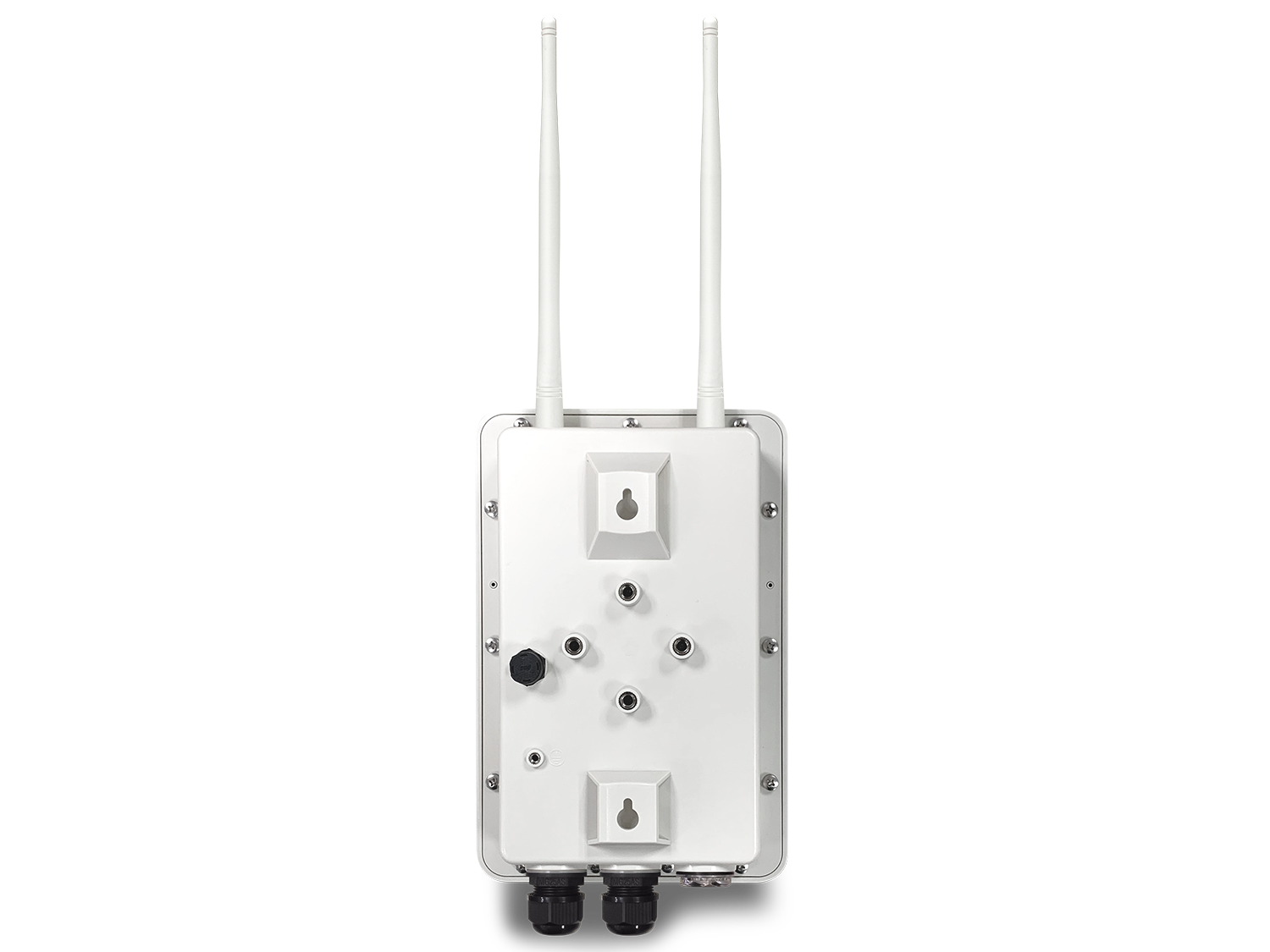
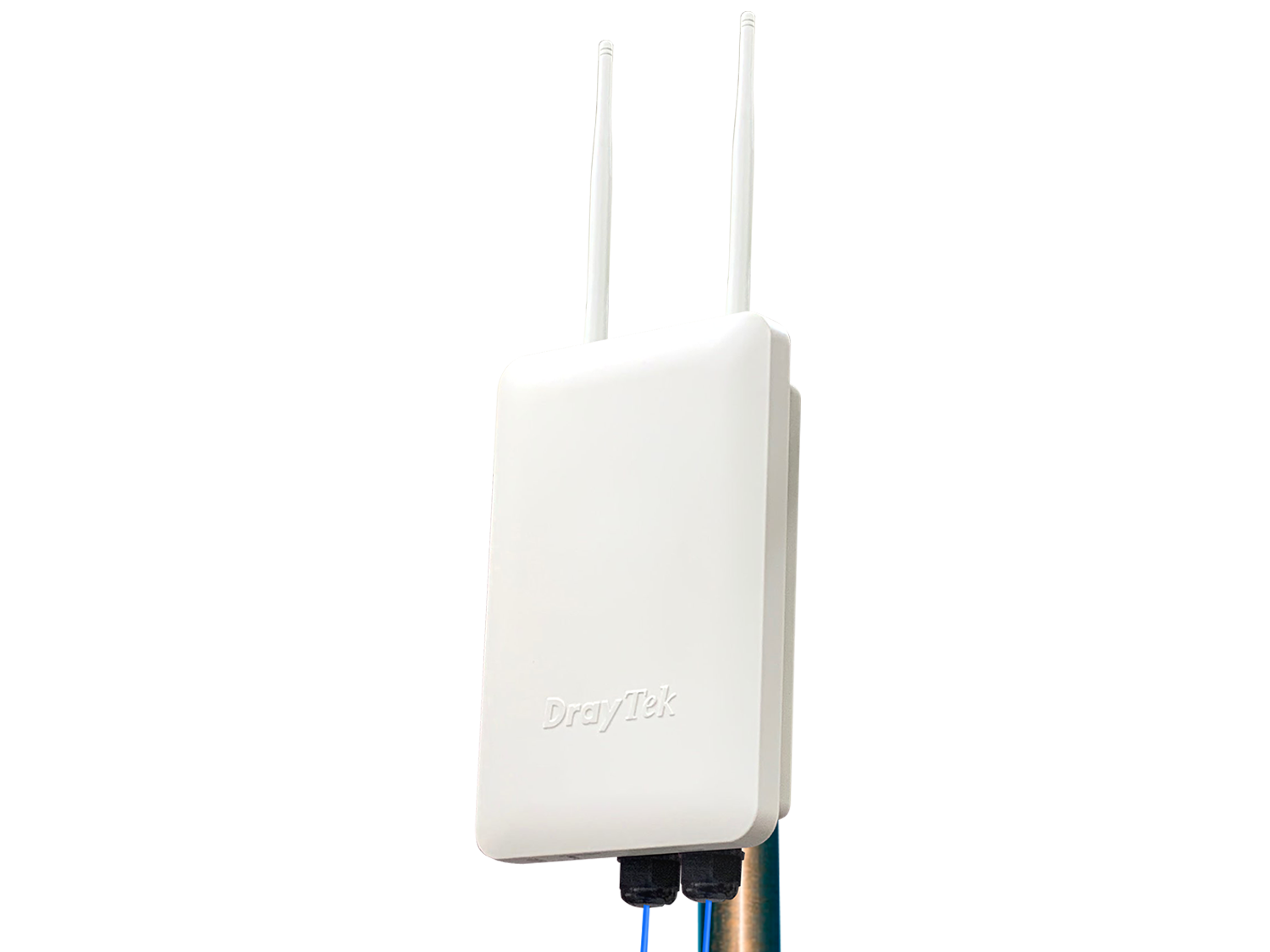
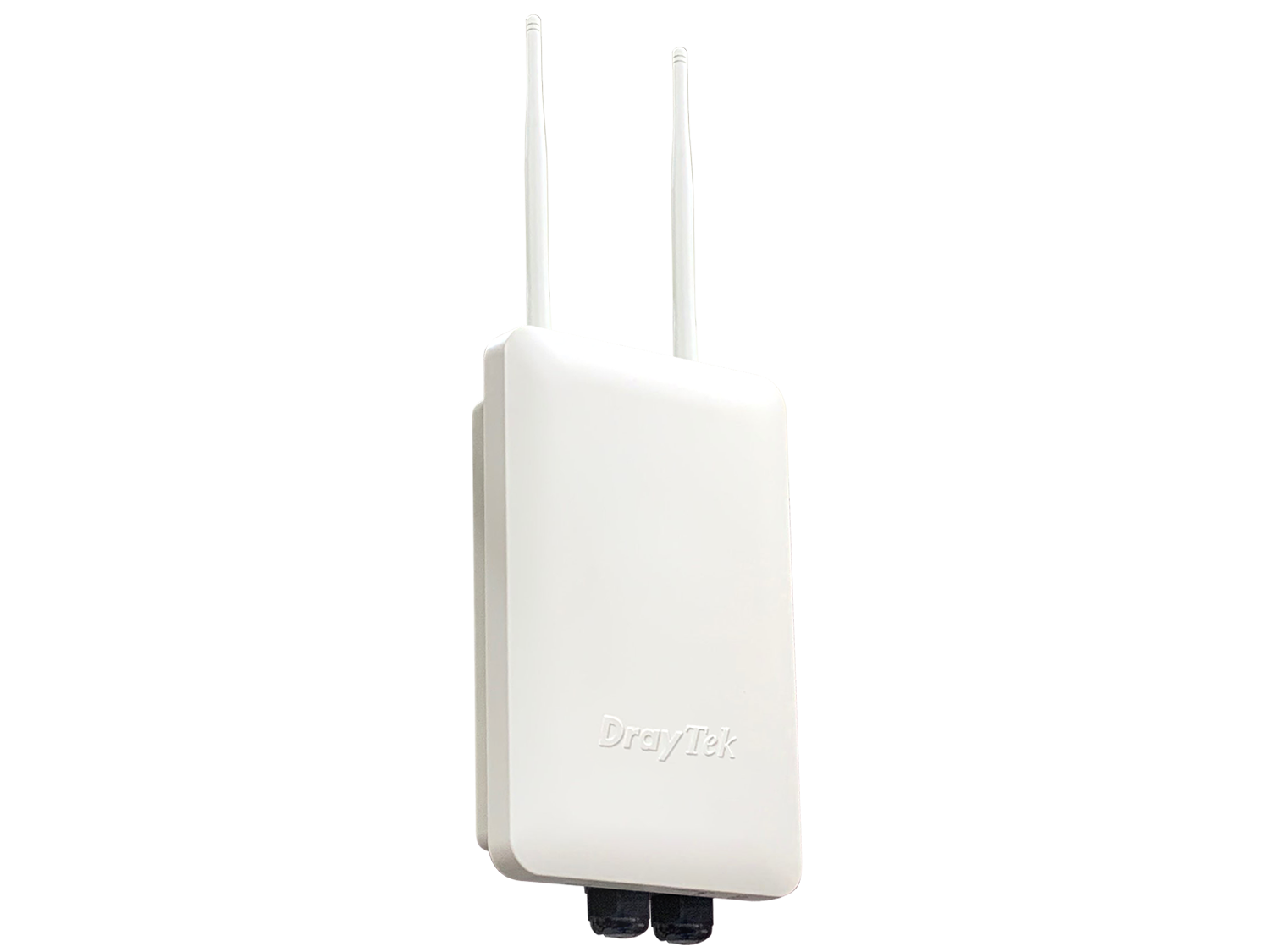
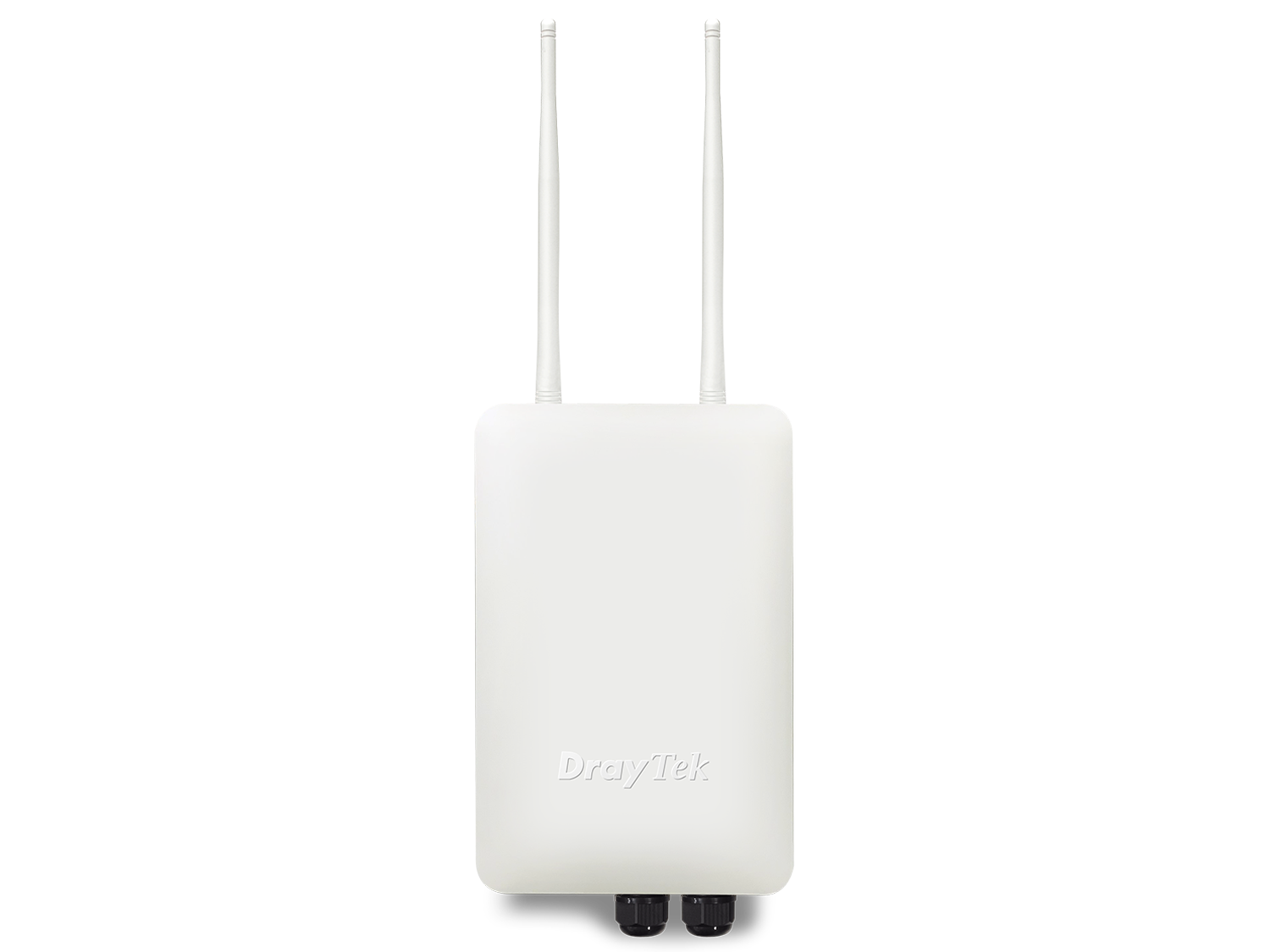
DrayTek VigorAP 918R Series is a compact outdoor wireless access point. It provides combined link rate up to 1.3 Gbps and a capacity of 200+ active users. The series includes an RPD model, which is equipped with a PoE-Out port to deliver connectivity and power to another network device, such as an IP camera, and the internal 5GHz directional patch antenna can enhance the wireless performance for long-range point-to-point connection.
Overview
AC1300
Delivers link rate up to 1.3 Gbps
256 Active Users
At Maximum, 128 per radio
IP-67
Rated Water and Dust Resistant
-40 to 70°C
Wide Operating Temperature Range
11ac Wave 2 Technology
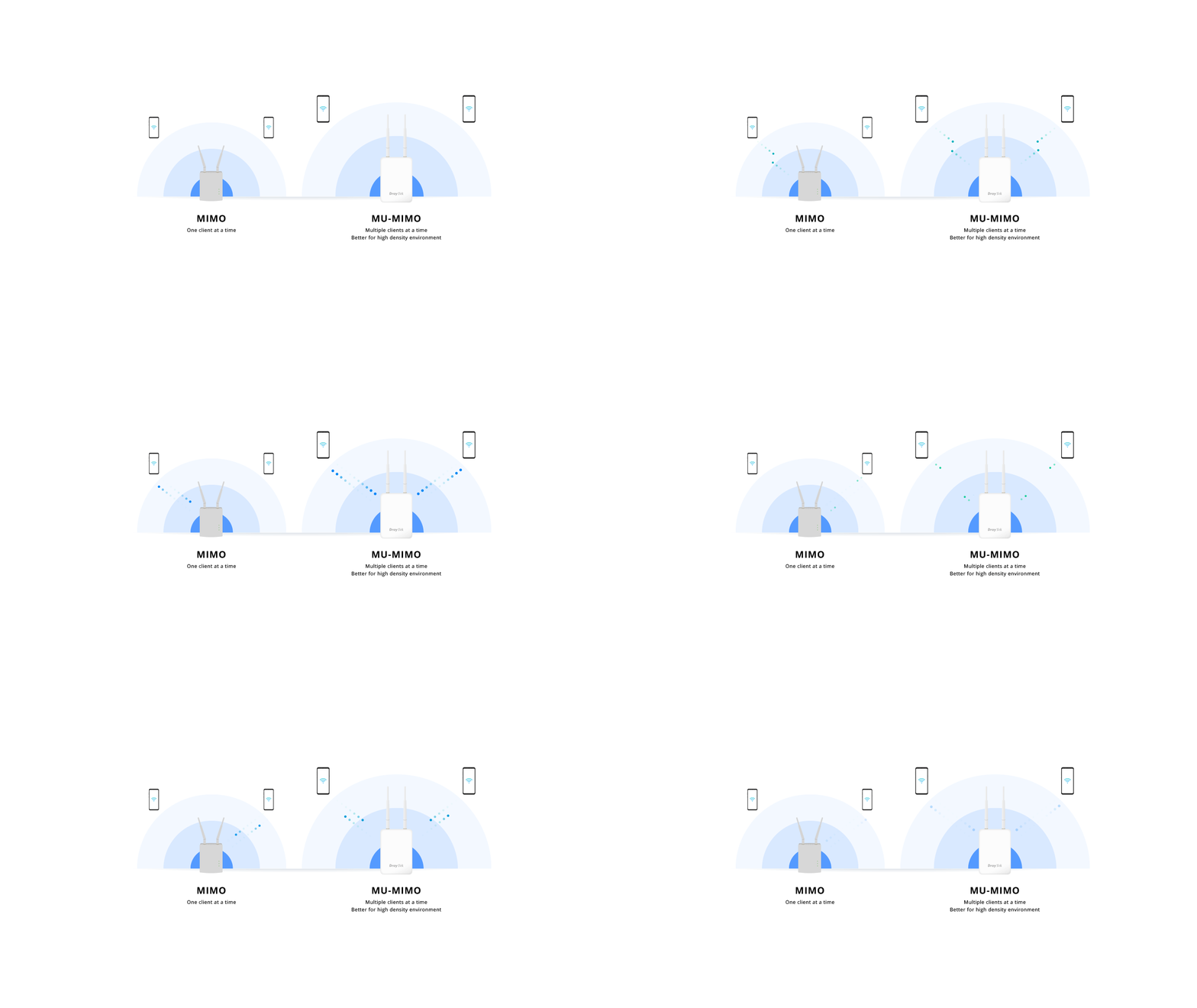
The VigorAP 918R Series supports MU-MIMO for high-density applications.
Seamless Wi-Fi Roaming
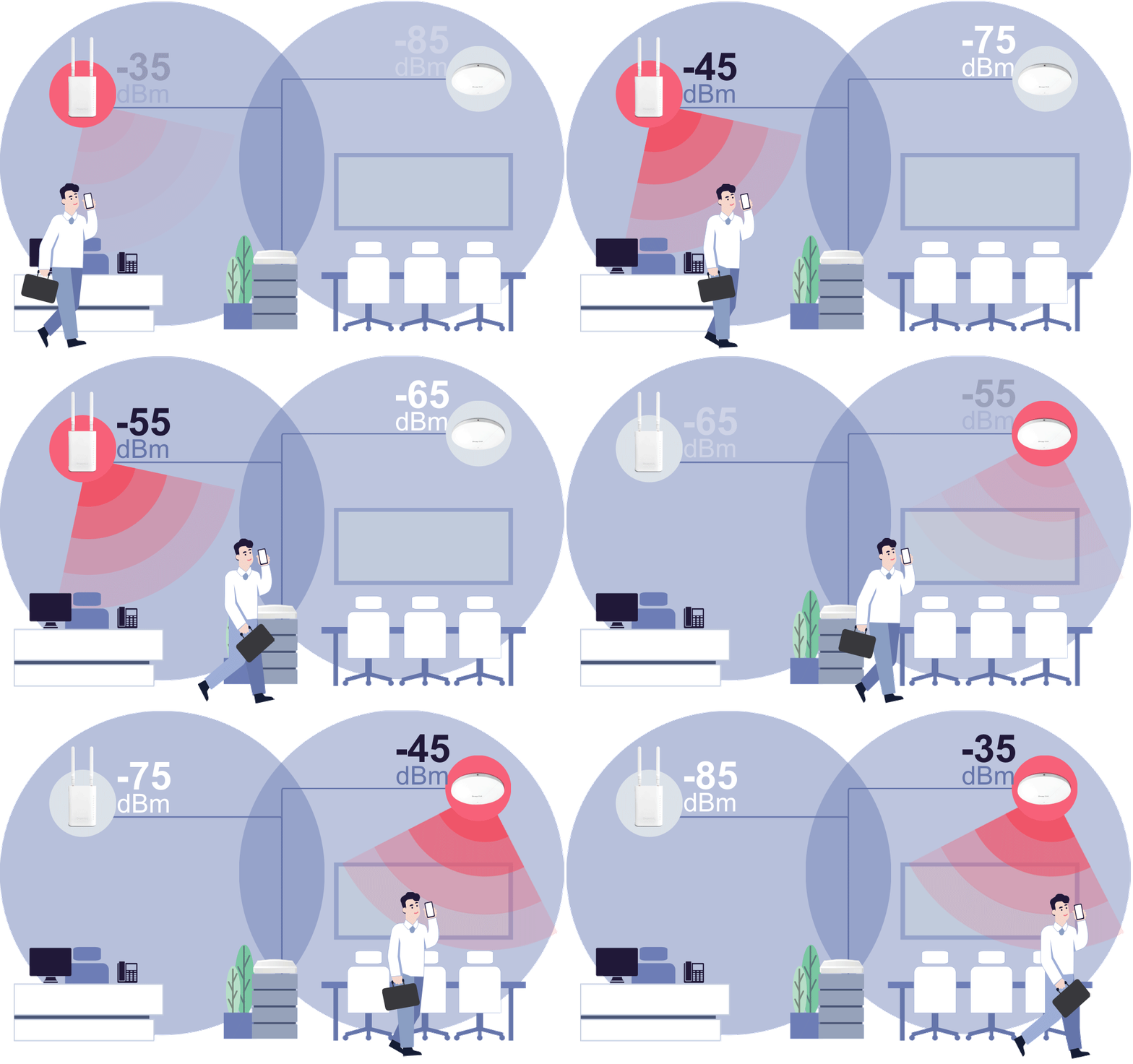
Fast & Smooth Handover
- Switch between access points seamlessly with intelligent roaming support.
- Supports Over-the-DS (via wired backbone) and Over-the-Air handoffs for reliable connectivity during video calls, voice chats, and real-time applications.
Smarter Assisted Roaming
- Signal thresholds and AP steering help devices move to stronger APs and balance network loads.
- Enjoy stable performance across all devices, everywhere.
Always Optimized for Business
- From offices to campuses, seamless roaming ensures uninterrupted mobility.
- Reliable coverage built for the demands of modern workplaces.
Root AP for AP Management
The VigorAP 918R can act as the Root AP and manage up to 30 Node APs within the same LAN subnet.
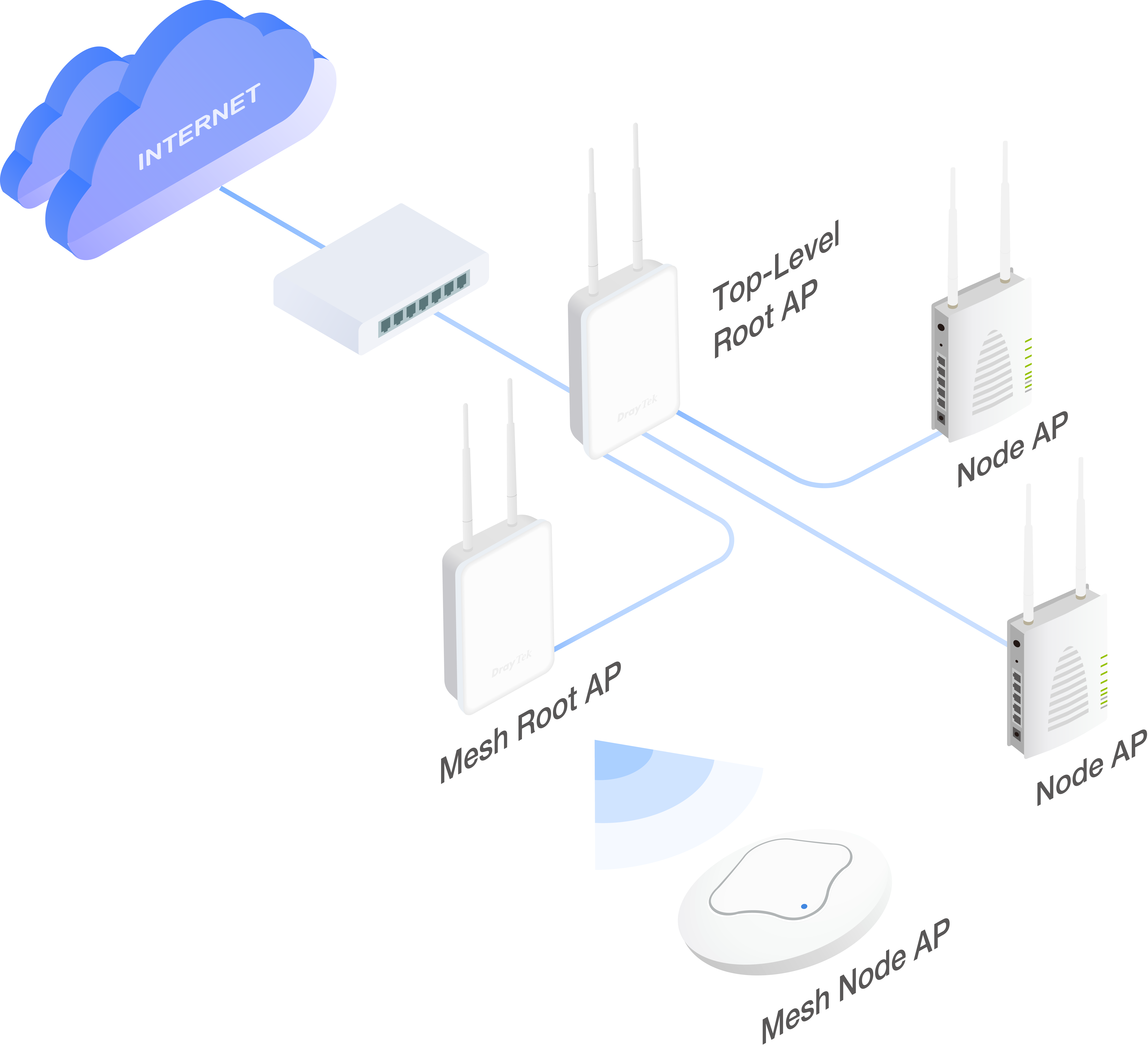
Top-Level Root AP
AP Management can work alongside Mesh at a higher level. The Root AP can manage wired APs operating in either AP mode or Mesh Root mode. After receiving its provisioning from the Root AP, a Mesh Root then synchronizes the configuration with its mesh members.
For small installations of up to 8 APs, Mesh with wired and wireless nodes is convenient; for larger installations, a hybrid solution that combines AP Management and Mesh is the better choice.
Retain High Performance
A wireless mesh uplink reduces performance, while a Node AP with a wired uplink consistently delivers high performance, so we always recommend a wired uplink whenever possible.
Zero Touch Deployment
After auto-detecting a Node AP and adding it to the management list, the Root AP provisions the relevant AP configuration to the Node APs.
Node AP Monitoring
Node APs are listed on one page with their IP address, operating channel, SSID of each radio, number of clients, and firmware version, so offline APs are easy to spot.
Flexible installation to deploy your PoE network
*Support on RPD model
Management Solution
All-in-One Management
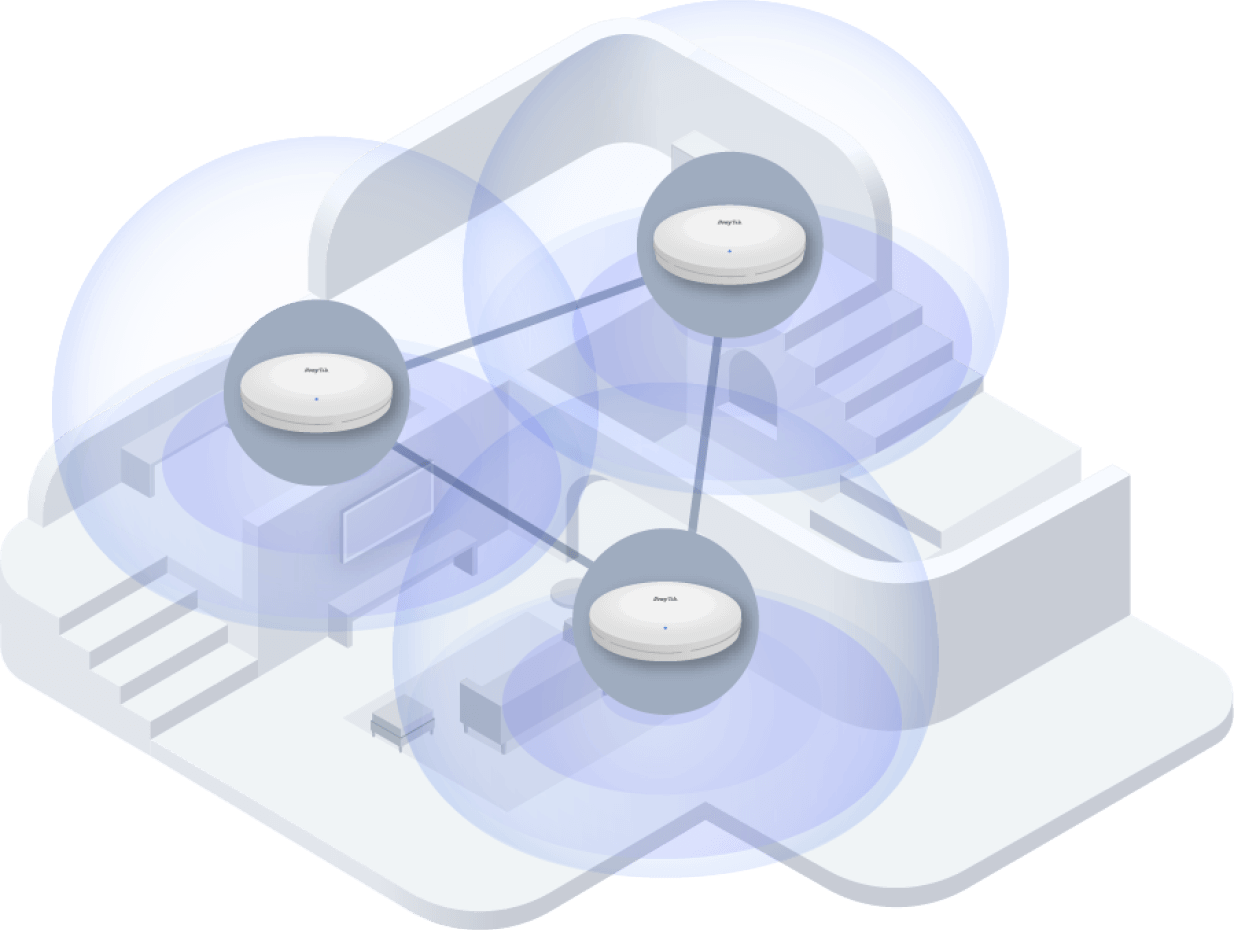
Mesh
DrayTek Wireless app support, Discovery, Auto-Provisioning, Monitoring, Centralized Hierarchy View
VigorAP-based APM
Discovery, Auto-Provisioning, Monitoring
Vigor Router-based APM
Auto-Discovery, Profile-based Auto-Provisioning, Monitoring, Centralized View, Remote VigorAP Maintenance, Wi-Fi Client Load Balancing
Software Management
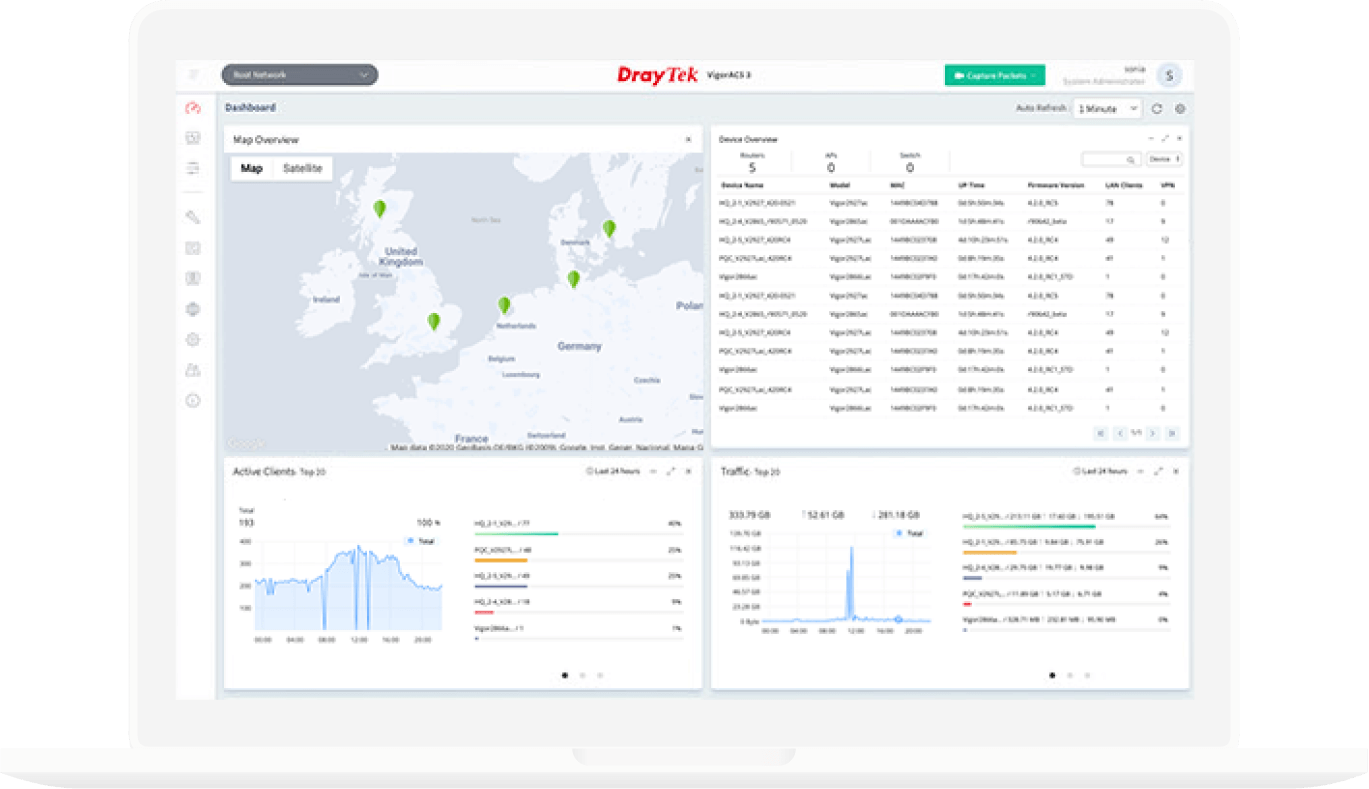
VigorACS 3
- Provisioning
- Monitoring
- Centralized Hierarchy View
- Alarm
- Remote AP/Switch/Router Maintenance
- Scheduled Maintenance
- Report
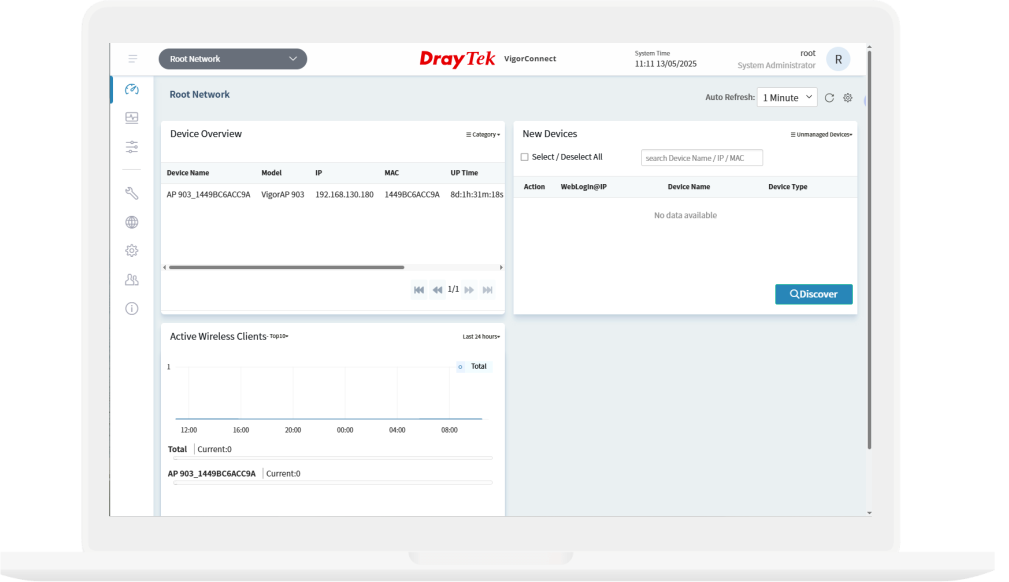
VigorConnect
- AP/Switch Discovery
- Auto-Provisioning
- Monitoring
- Centralized Hierarchy View
- Alarm
- Remote AP/Switch Maintenance
- Scheduled Maintenance
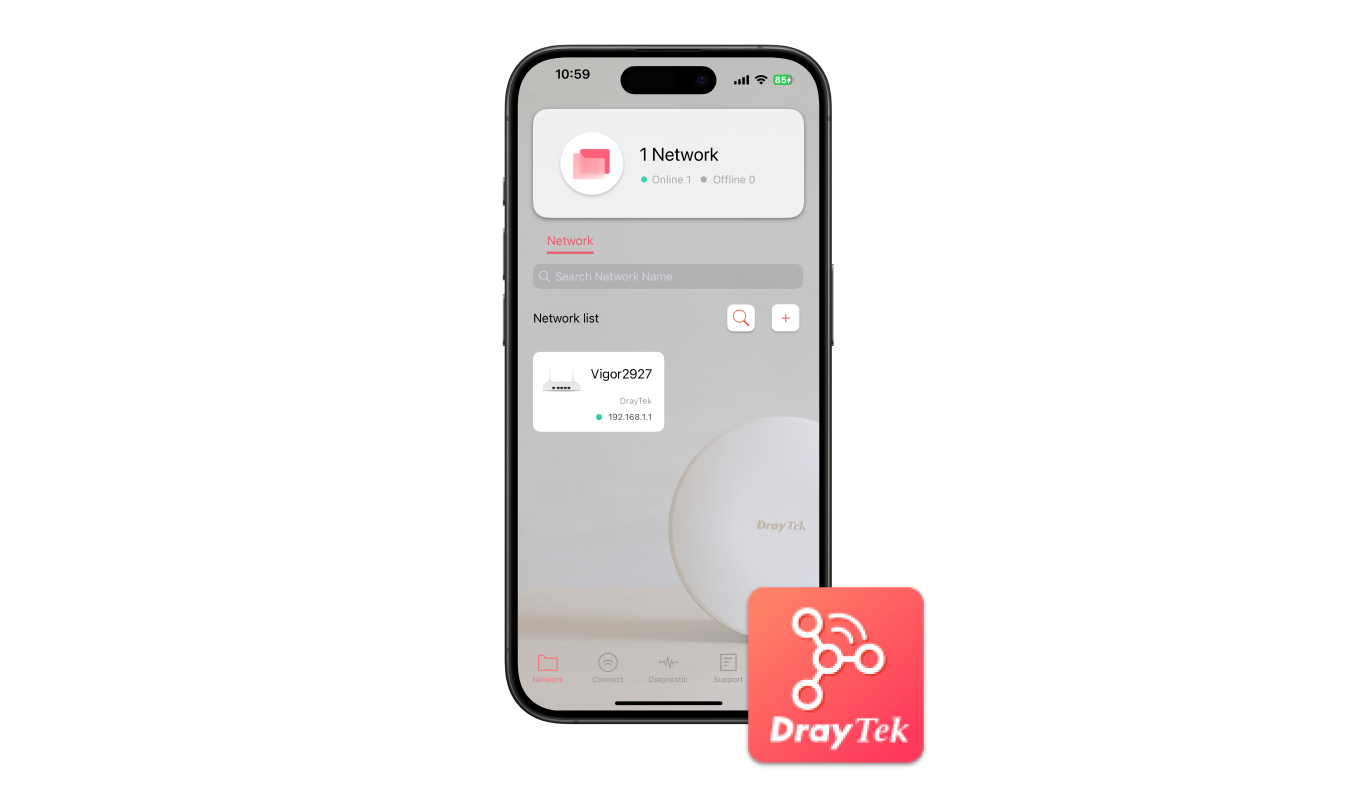
DrayTek Wireless APP
- Build Wireless Network
- Monitoring
- Parental Control & Client Management
- Mesh WiFi Setup
- Check signal strength and speed test
- Scheduled Maintenance
Review

Review
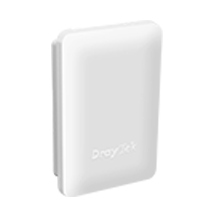 VigorAP 918R Series
 Antenna x 2
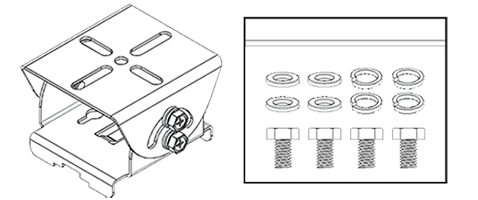 Mounting Kit
(RPD Model)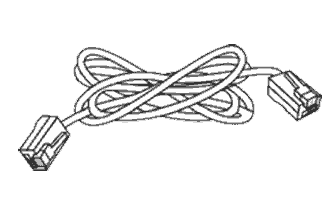 3-meter Ethernet Cable
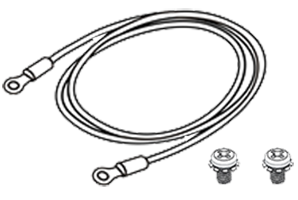 Ground Cable & Screws
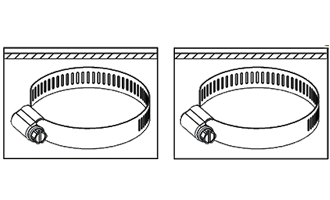 Pipe Clamp
 Quick Start Guide
Note: The stated throughput figures are the maximums from DrayTek internal testing under optimal conditions, with Hardware Acceleration enabled where available. Actual performance may vary depending on network conditions and the applications enabled.
Models
| Model | PoE-In | PoE-Out | External Dual-Band Antenna | 5GHz Directional Patch Antenna |
| VigorAP 918R | 1x GbE | – | 2 | – |
| VigorAP 918RPD | 1x GbE | 1x GbE | 2 | ✓ |
Key Features


Assisted Wi-Fi Roaming
Solve the sticky client problem and improve Wi-Fi roaming experience. Learn more

Weather Resistant
VigorAP 918R Series can withstand rain, heat, and cold to deliver internet connectivity to the outdoor environments.

Local RADIUS Server
User profile database for local and external 802.1x authentication.

Built-in Sensor
Built-in temperature and humidity sensor helps keep monitoring on temperature and humidity, and sends out SMS/Email alerts once reaching threshold.

Wi-Fi Scheduling
Schedule Wi-Fi On and Off to control wireless access and save energy.

Multiple SSIDs
Mapping Wi-Fi clients to different VLANs and have a different set of security standards Learn how

PoE Power Supply
Simplify the infrastructure by getting data and power through a single cable.

Airtime Fairness
Equalize the transmission time of each client so the legacy devices won’t slow everyone down. Learn more

Hotspot Web Portal
Market your business and communicate with the guests while offering hospitality WLAN. Learn more


Central AP Management
Manage, maintain, and monitor VigorAP 918R Series from the DrayTek routers. Learn more
Specs
Specifications
Model | AP 918R | AP 918RPD |
Ports | ||
| 1 GbE | 1 | 2 |
| Internal Temperature & Humidity Sensor | ✓ | ✓ |
LAN | ||
| DHCP | DHCP Client DHCP Server DHCP Relay Agent | DHCP Client DHCP Server DHCP Relay Agent |
| Static IP | ✓ | ✓ |
| 802.1q tag-based VLAN | ✓ | ✓ |
WLAN | ||
| Band Type | Dual-Band | Dual-Band |
| Max. Clients | 256 | 256 |
| 2.4GHz WLAN | 802.11 b/g/n | 802.11 b/g/n |
| 5GHz WLAN | 802.11 a/n/ac Wave 2 | 802.11 a/n/ac Wave 2 |
| Antennas | 2x External dipole DB | 1x Internal Directional Patched 5G, 2x External dipole DB |
| 2.4GHz Max. Link Rate (Mbps) | 400 | 400 |
| 5GHz Max. Link Rate (Mbps) | 867 | 867 |
| Operating Mode | AP Mesh Root Mesh Node Range Extender | AP Mesh Root Mesh Node Range Extender |
| Max. Number of SSIDs (per band) | 8 (4) | 8 (4) |
| MAC Address Filter (Max. entry number per SSID) | 256 | 256 |
| Security Mode | OWE WEP WPA WPA2/WPA WPA2 WPA3/WPA2 WPA3 | OWE WEP WPA WPA2/WPA WPA2 WPA3/WPA2 WPA3 |
| Authentication | Enterprise, Personal | Enterprise, Personal |
| WMM | ✓ | ✓ |
| AirTime Fairness | ✓ | ✓ |
| Band Steering | ✓ | ✓ |
| Roaming | AP-Assisted Roaming PMK-Caching Pre-Authentication | AP-Assisted Roaming PMK-Caching Pre-Authentication |
| WPS | PBC, PIN | PBC, PIN |
| WDS | Repeater | Repeater |
System Maintenance | ||
| Syslog | ✓ | ✓ |
| SNMP | v1, v2c, v3 | v1, v2c, v3 |
| Firmware Upgrade | TFTP, TR-069, WUI | TFTP, TR-069, WUI |
| Backup/Restore | ✓ | ✓ |
Management | ||
| Service Control | HTTP HTTPS Telnet | HTTP HTTPS Telnet |
| Mesh | Node, Root | Node, Root |
| Virtual AP Controller (Device up to) | 30 | 30 |
| VigorConnect Management (Since f/w) | V1.3.2 | V1.3.2 |
| VigorACS Management (Since f/w) | V1.3.2 | V1.3.2 |
PoE | ||
| PoE Input Power Supply | 48-56V @ 0.4 | 48-56V @ 0.9A |
| PoE Input | PoE+ (802.3af/at) | PoE+ (802.3af/at) |
| PoE Output | PoE+ (802.3af/at) | |
Physical | ||
| Environment | Outdoor | Outdoor |
| Mounting | Wall / Pole | Wall / Pole |
| Powered via | PoE | PoE |
| Max. Power Consumption (watts) | 18 | 18 |
| Max. Power Consumption with PoE Output (watts) | 0 | 43.2 |
| Dimension (mm) | 243 x 161 x 72 | 243 x 161 x 72 |
| Operating Temperature | -40 to 70°C | -40 to 70°C |
| Storage Temperature | -40 to 85°C | -40 to 85°C |
| Operating Humidity (non-condensing) | 5 to 95% | 5 to 95% |
Note:
- * : Future Support
- The stated throughput performance figures are the maximum derived from DrayTek internal testing, conducted under optimal conditions, with Hardware Acceleration enabled where available. The actual performance may vary based on network conditions and activated applications.
Accessories
Resources
Firmware
VigorAP 918R Firmware Version 1.4.11
VigorAP 918R Firmware Version 1.4.11 Release Note
Live Demo
Manuals
VigorAP 918R Quick Start Guide