Your team no longer works in one building. People log in from home, from hotels and from customer sites, and every one of them needs the same secure access to files, business apps and the office phone system. A DrayTek Vigor router acts as the VPN server for all of them — built in, with no per-user licenses — so remote access is part of the network you already own.
How it works
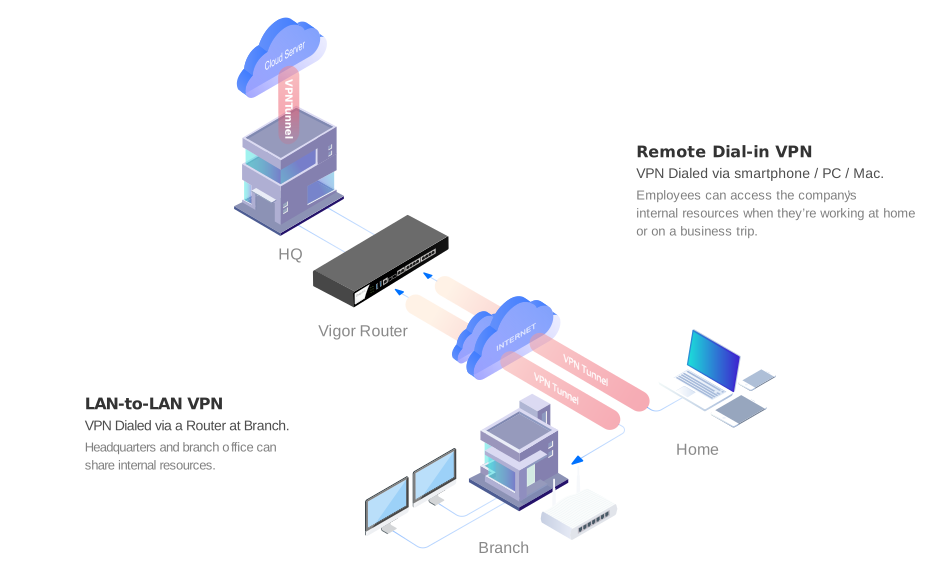
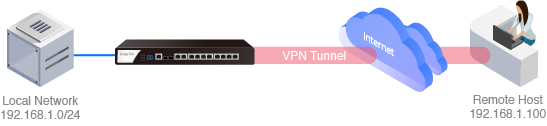
Each laptop or phone opens an encrypted VPN tunnel across the internet to the Vigor router at the office. Once connected, the user works as if they were at their desk — shared drives, line-of-business apps, printers and IP phones all behave the same. Branch offices connect in the same way, with a permanent router-to-router tunnel.
1 Connect remote users
Most devices already include a VPN client, so there is often nothing to install. Use the built-in client where you can; for everything else, DrayTek’s free Smart VPN Client adds SSL VPN and OpenVPN on every platform.
| Device | Built-in client (no app needed) | With the free Smart VPN Client |
|---|---|---|
| Windows | IKEv2 EAP, or L2TP over IPsec | SSL VPN or OpenVPN |
| macOS | IPsec XAuth (macOS “Cisco IPsec”) | SSL VPN or OpenVPN |
| iOS / iPadOS | IPsec XAuth | SSL VPN or OpenVPN |
| Android | IPsec XAuth | SSL VPN or OpenVPN |
Tip: for IPsec-based connections choose the AES-SHA256 security method — it gives the best mix of security and speed on Vigor routers.
2 Link your branch offices
Each branch router keeps a LAN-to-LAN VPN tunnel open to headquarters, so branch staff reach company resources without any VPN software on their computers. If headquarters also connects to a cloud server, the branches can reach it through HQ.
Recommended: an IPsec tunnel with AES-SHA256 for site-to-site links.

3 Pick the router for your office
Size the router at headquarters by how many people and sites connect at the same time:
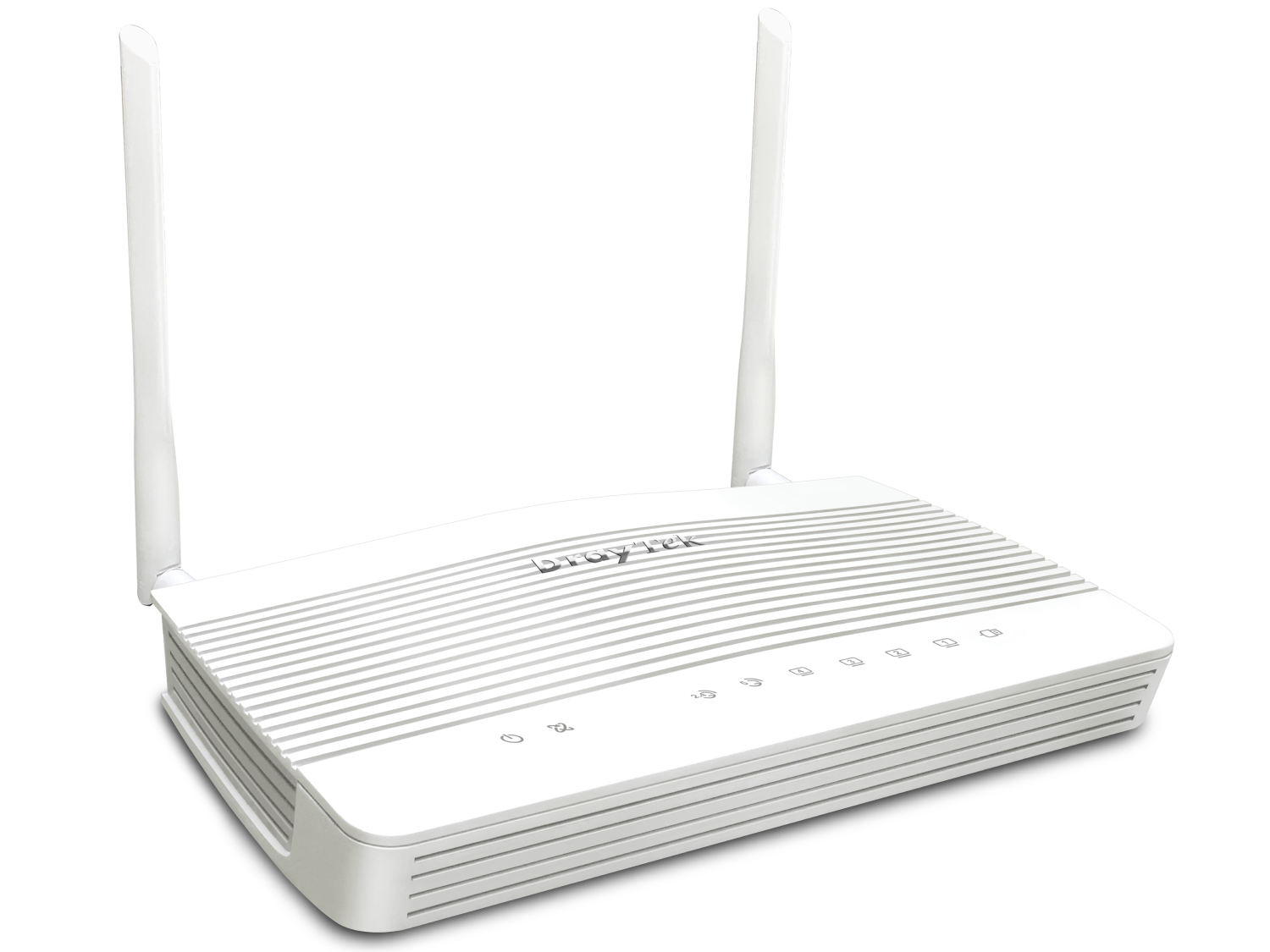
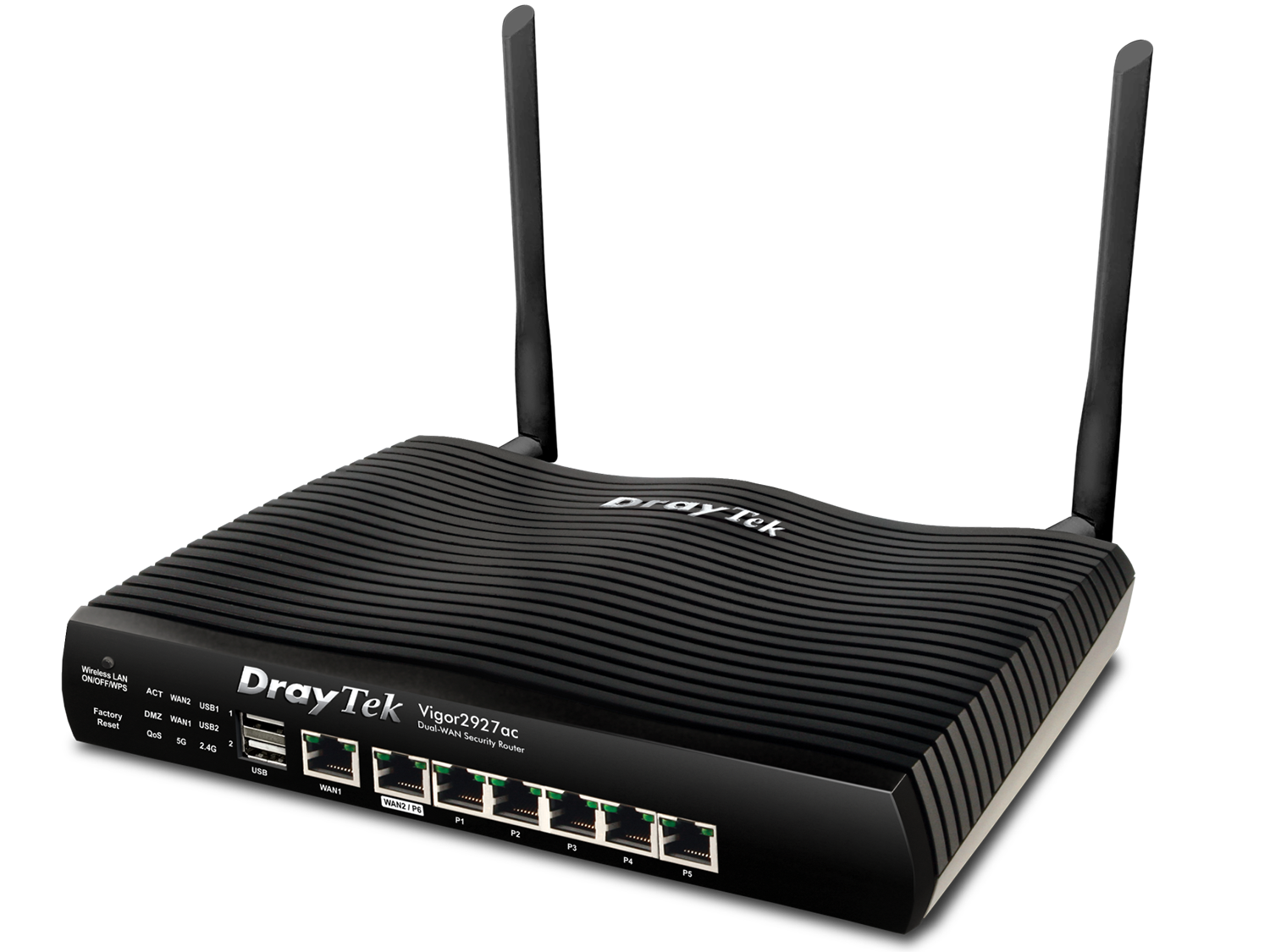
Vigor2927 Series
Small businesses with two internet links
50 VPN tunnels (25 SSL/OpenVPN) · up to 800 Mbps IPsec
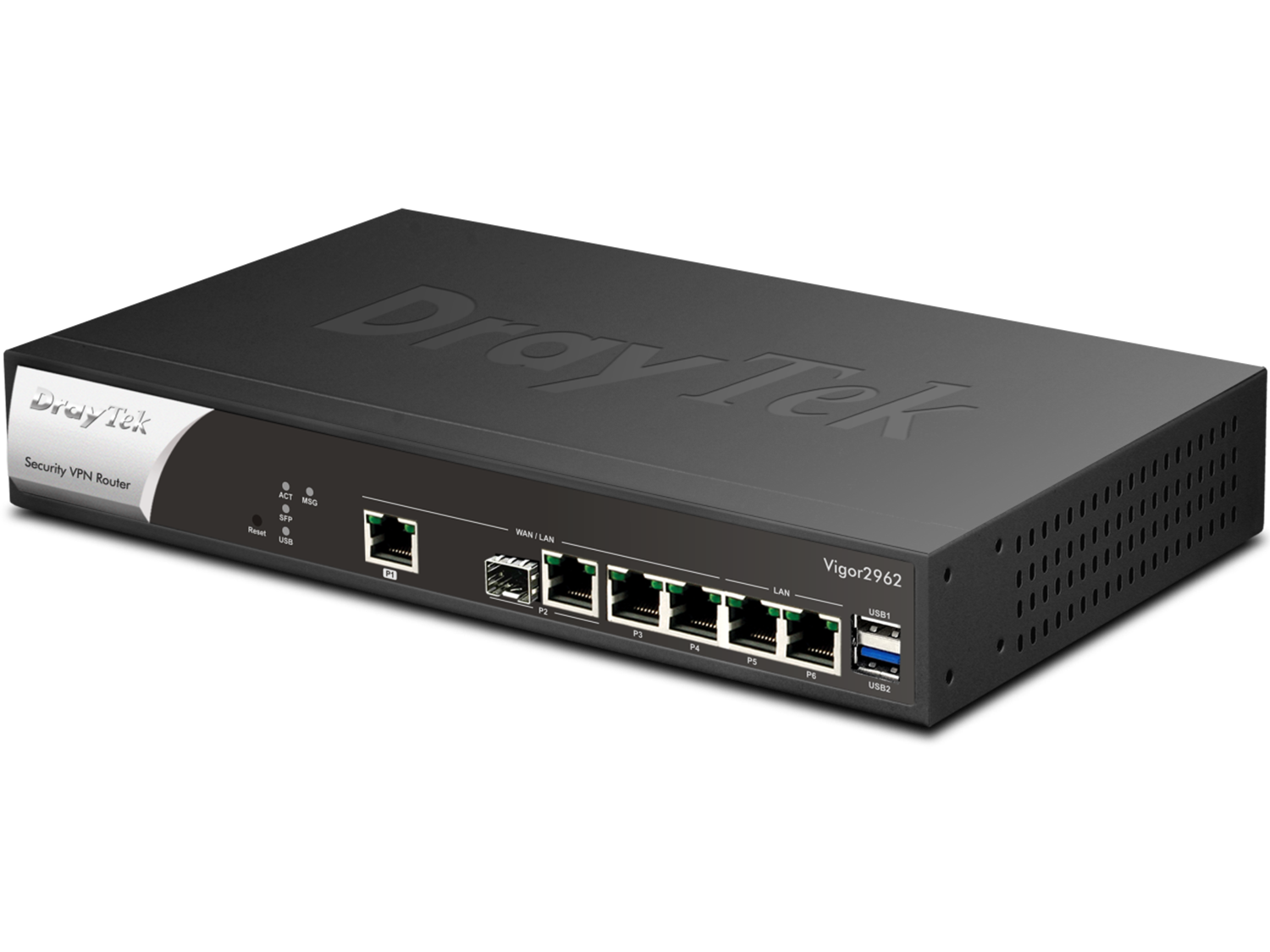
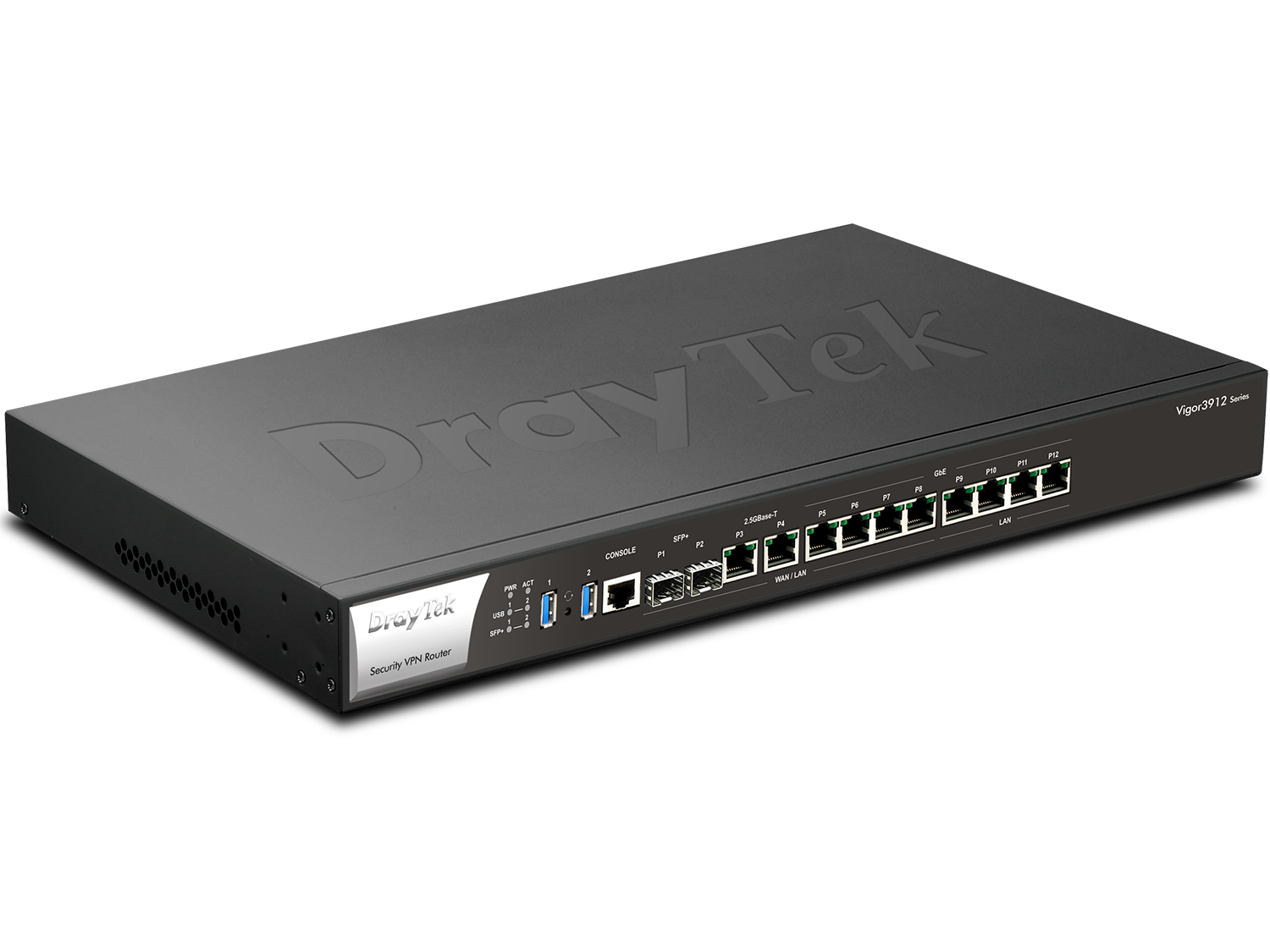
Keep your existing office network
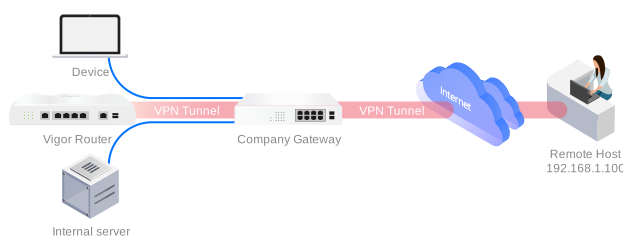
No need to replace the router you already have. Add a Vigor router inside the office network and let it handle VPN only — DrayTek calls this a single-arm VPN:
- Connect the Vigor router’s WAN port to a DMZ port on your current gateway, or forward the VPN ports to it (for example port 443 for SSL VPN).
- Install Smart VPN Client on each device, pick the VPN type, and either add the office network as a route or let the VPN become the default route.
- Connect — and start working from home.
The same set-up works for LAN-to-LAN tunnels between offices.
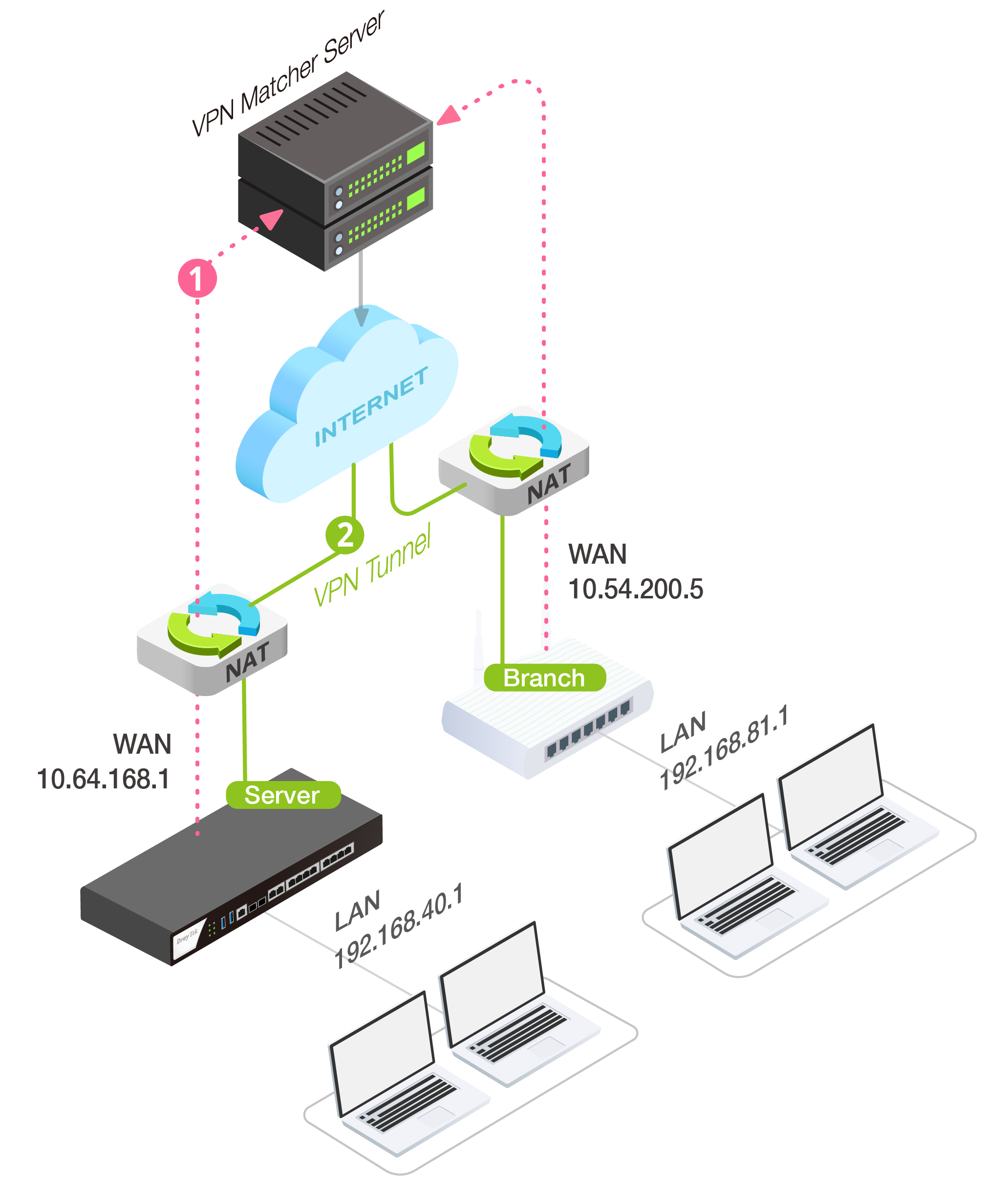
Private IP from your ISP? Use VPN Matcher
Some ISPs — and most 4G/LTE providers — hand out private IP addresses. A VPN server behind that kind of NAT normally cannot accept incoming tunnels. DrayTek VPN Matcher solves this: register your Vigor routers with the free VPN Matcher service and it exchanges the connection details between server and branches, so the tunnel comes up anyway.