
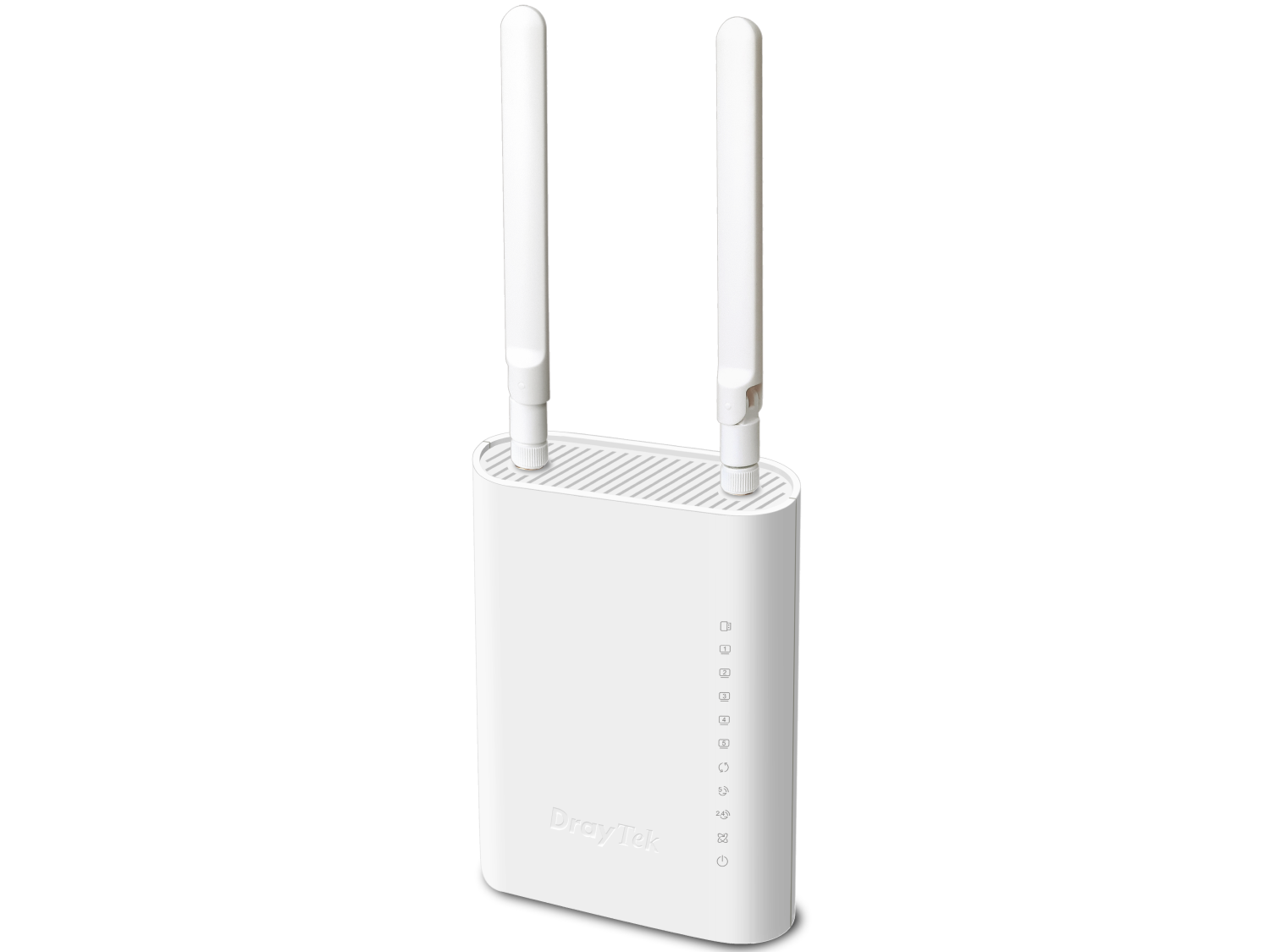
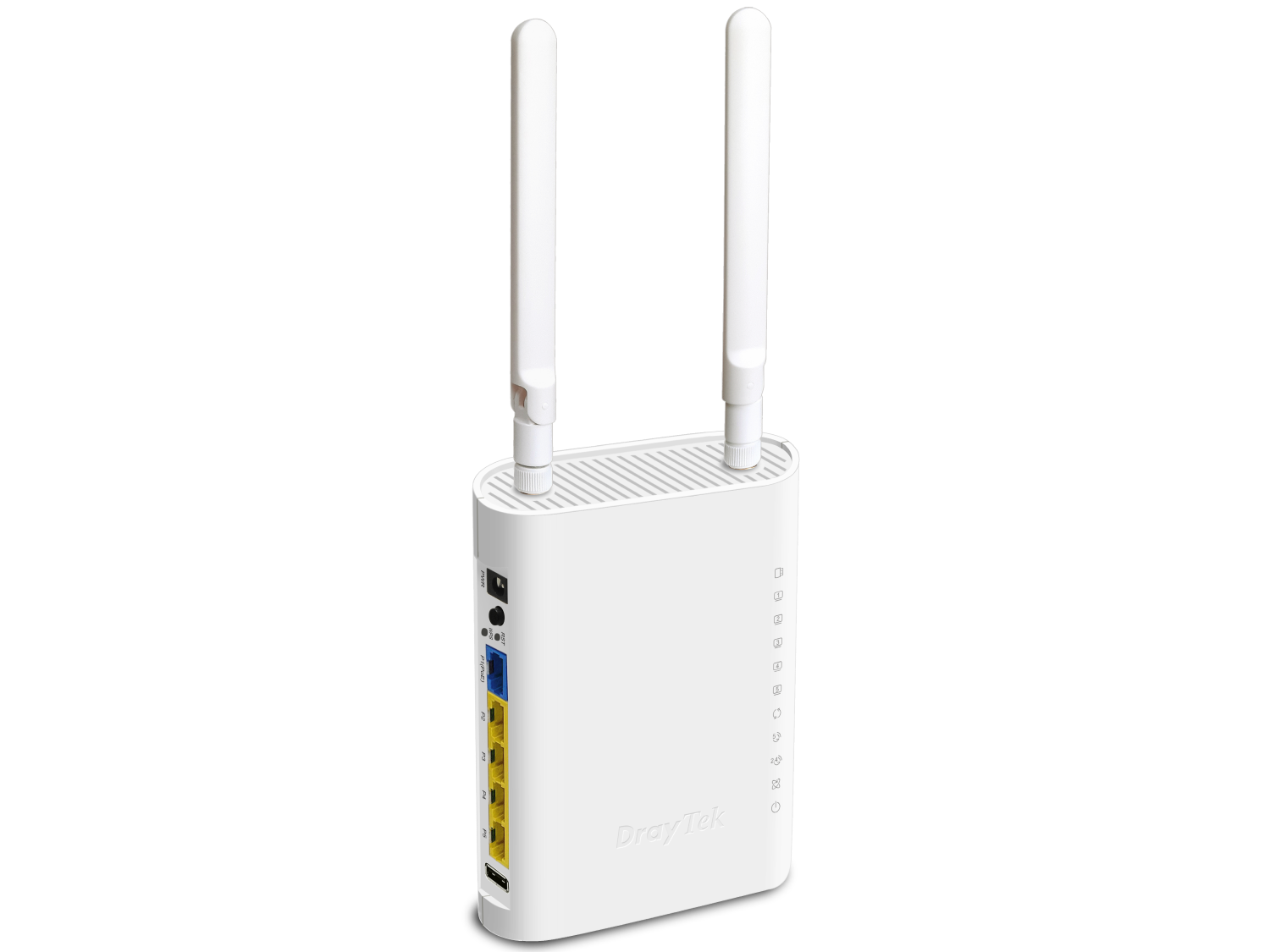
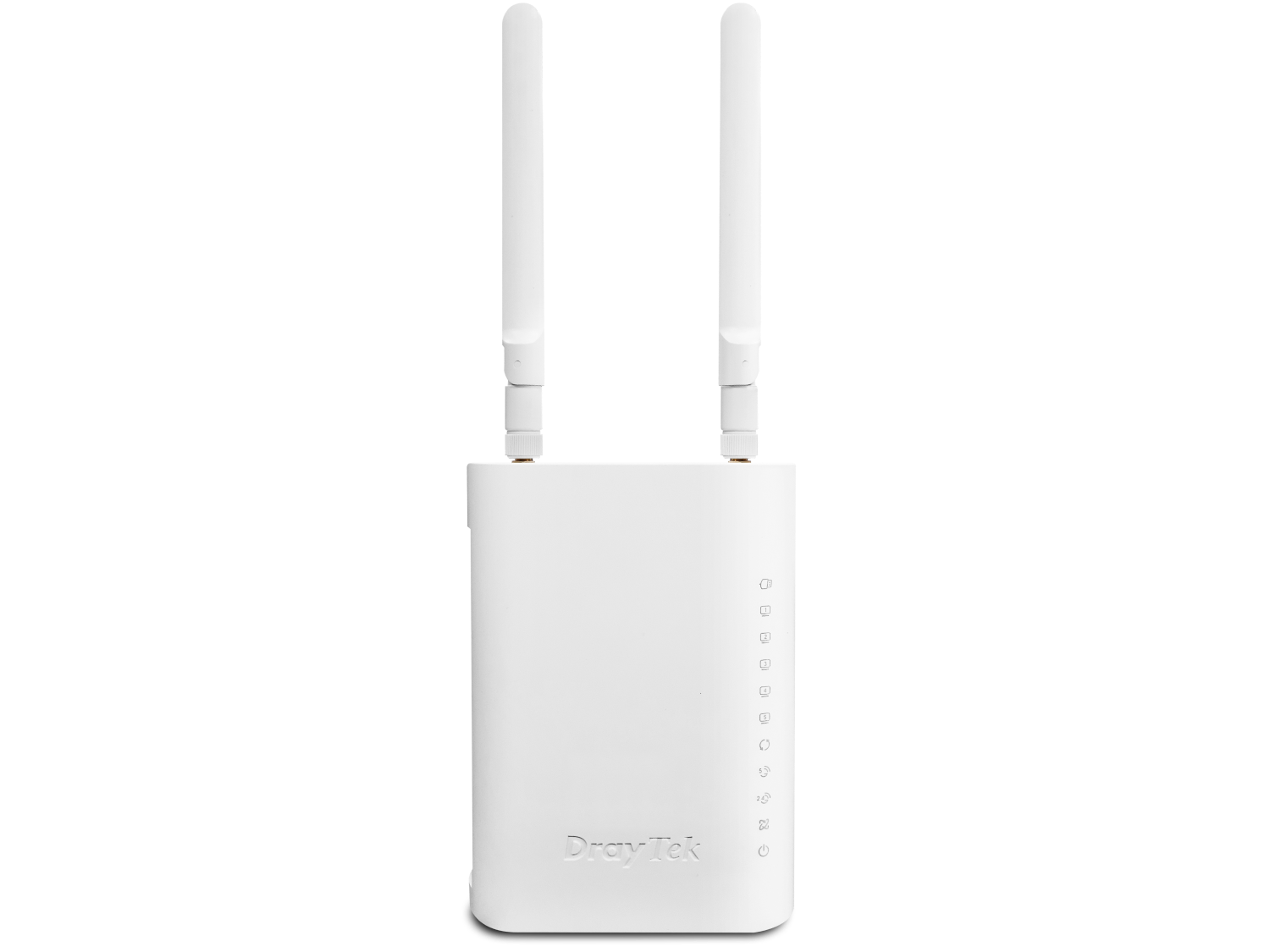
2×3 AX3000 Dual Band 802.11ax (Wi-Fi 6) Access Point
Powerful WiFi 6 Access Points for Better Network Efficiency
The VigorAP 905 is a dual-band WiFi 6 Access Point, offering link rate of 600 Mbps in 2.4GHz and 2400 Mbps in 5GHz. With support up to 256 concurrent clients and powerful mesh network, it provides excellent and reliable wireless connectivity, making it the perfect solution for high-speed and high-density environments.
Overview
Dual-Band
Concurrent 5GHz and 2.4GHz
AX3000
600Mbps in 2.4GHz and 2.4Gbps in 5GHz
1x 2.5G LAN
High-speed Internet
256 Users
2.4GHz & 5GHz shared concurrently
Interface
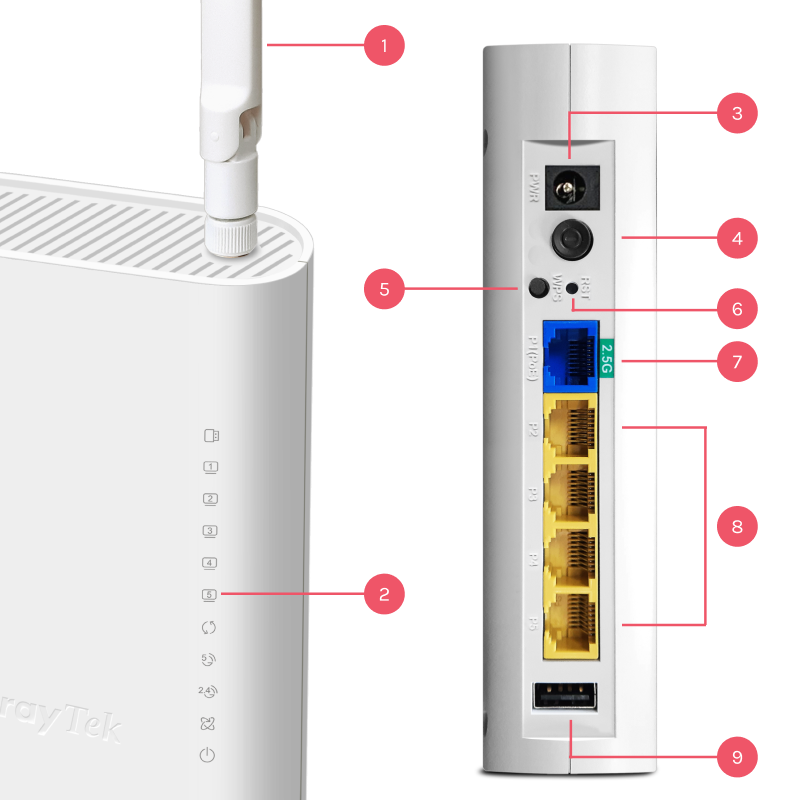
1WiFi Antenna
2LED Indicator
3DC Power Input
4Power ON/OFF Button
5WPS Button
6Factory Reset Button
7LAN: 1x 2.5G/1G/100M/10M RJ-45 (Blue)
PoE-PD Support
8LAN: 4x 1G/100M/10M RJ-45 (Yellow)
91x USB 2.0
What’s New in DrayOS 5-based VigorAP 905
Notification Service
DrayOS 5 adds push notifications for the VigorAP 905 and other DrayOS 5 access points. With the DrayTek Wireless App, network administrators get instant alerts for key events such as client disconnections, mesh nodes going offline, and login attempts, so they can keep track of the wireless network right from their phone.
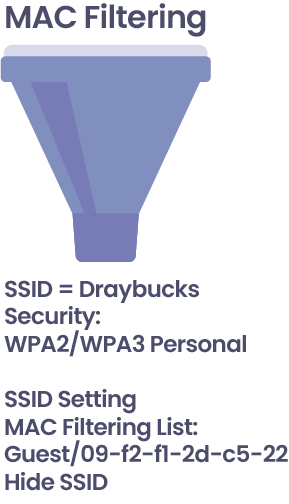
MAC Filtering for Access Control Lists
To strengthen network security, DrayOS 5 adds MAC Filtering for access control. Administrators decide which devices may join the network by adding their MAC addresses to a profile. To enable and configure MAC Filtering:
- Go to Security >> MAC Filtering Profile to create a new profile.
- Add device names and corresponding MAC addresses.
- Apply the MAC Filtering settings to the SSID configuration under Configuration >> Wireless LAN to manage access control.
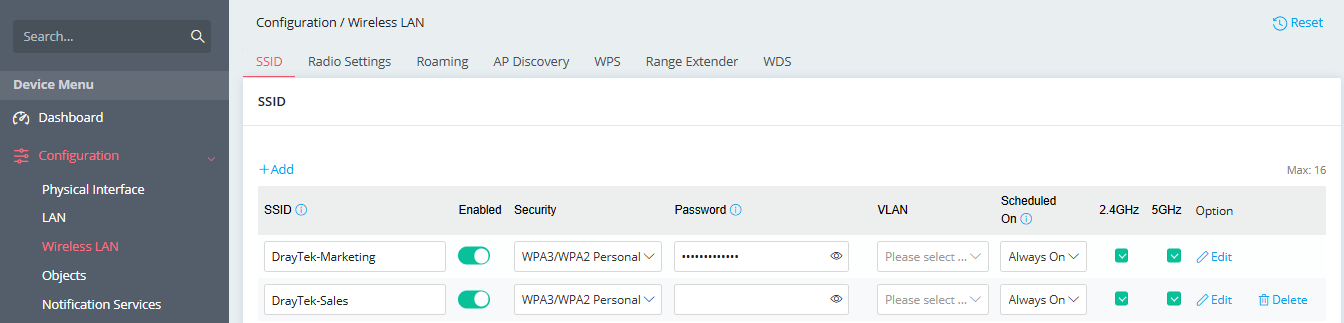
Streamlined Wireless LAN Configuration
DrayOS 5 makes wireless setup simpler. In DrayOS 4, SSID, radio, roaming and other options were spread across several pages; DrayOS 5 brings all wireless settings together on one page. Administrators now configure everything from Configuration >> Wireless LAN, for a quicker, easier setup.
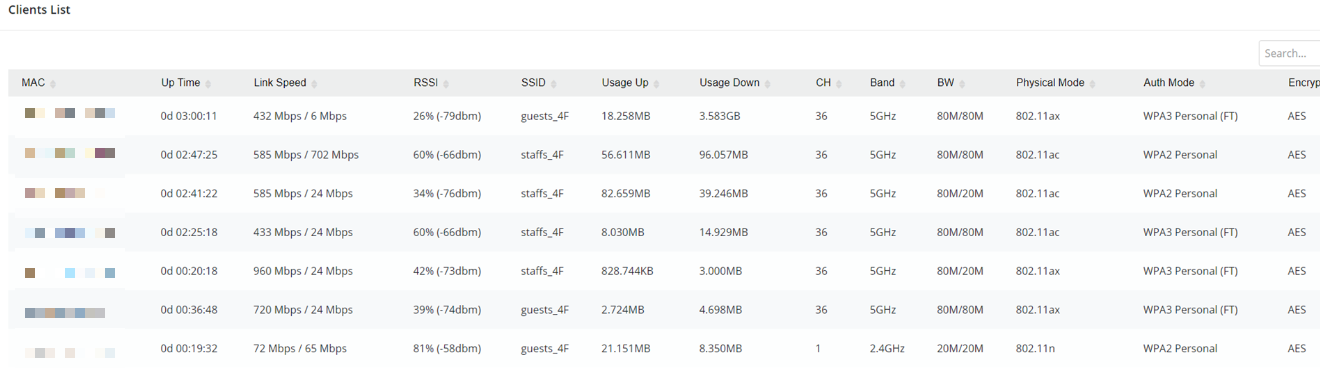
Comprehensive Client Monitoring
DrayOS 5 also makes it easier to monitor wireless clients. Earlier versions split client information between the 2.4GHz and 5GHz settings. Now every client detail is on a single page, Monitoring >> Clients List, which gives a complete view of client connections and usage, so you can manage and track all network clients in one place.
WiFi 6 Capacity
OFDMA (Orthogonal Frequency Division Multiple Access) is a core feature of the Wi-Fi 6 certification program. Part of the Wi-Fi 6 standard, OFDMA uses efficient scheduling to perform well in busy, complex network environments. As Wi-Fi 6 is adopted across the industry, it is important to understand and document the benefits of a well-implemented OFDMA and to be able to measure its impact.
OFDM
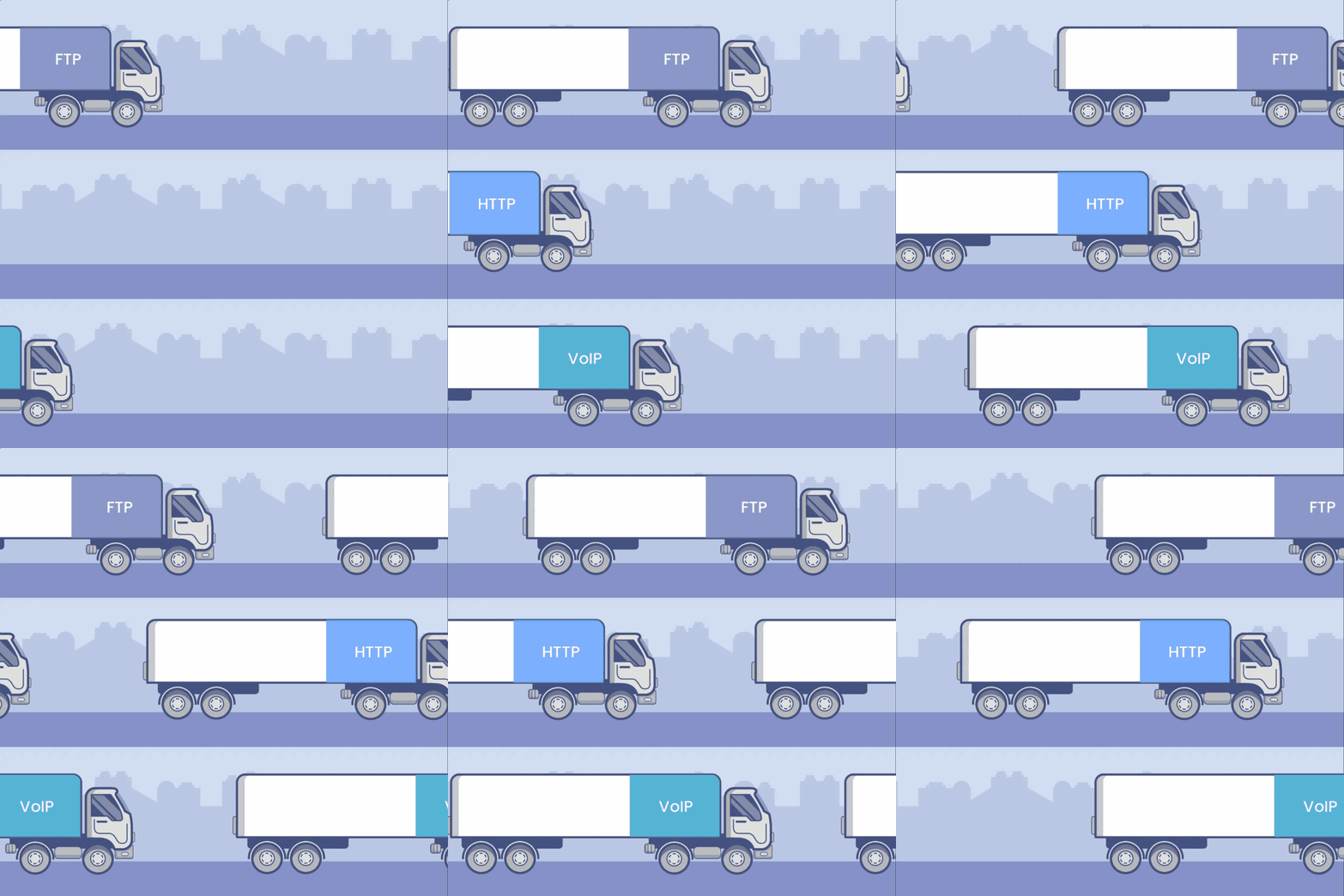
OFDMA
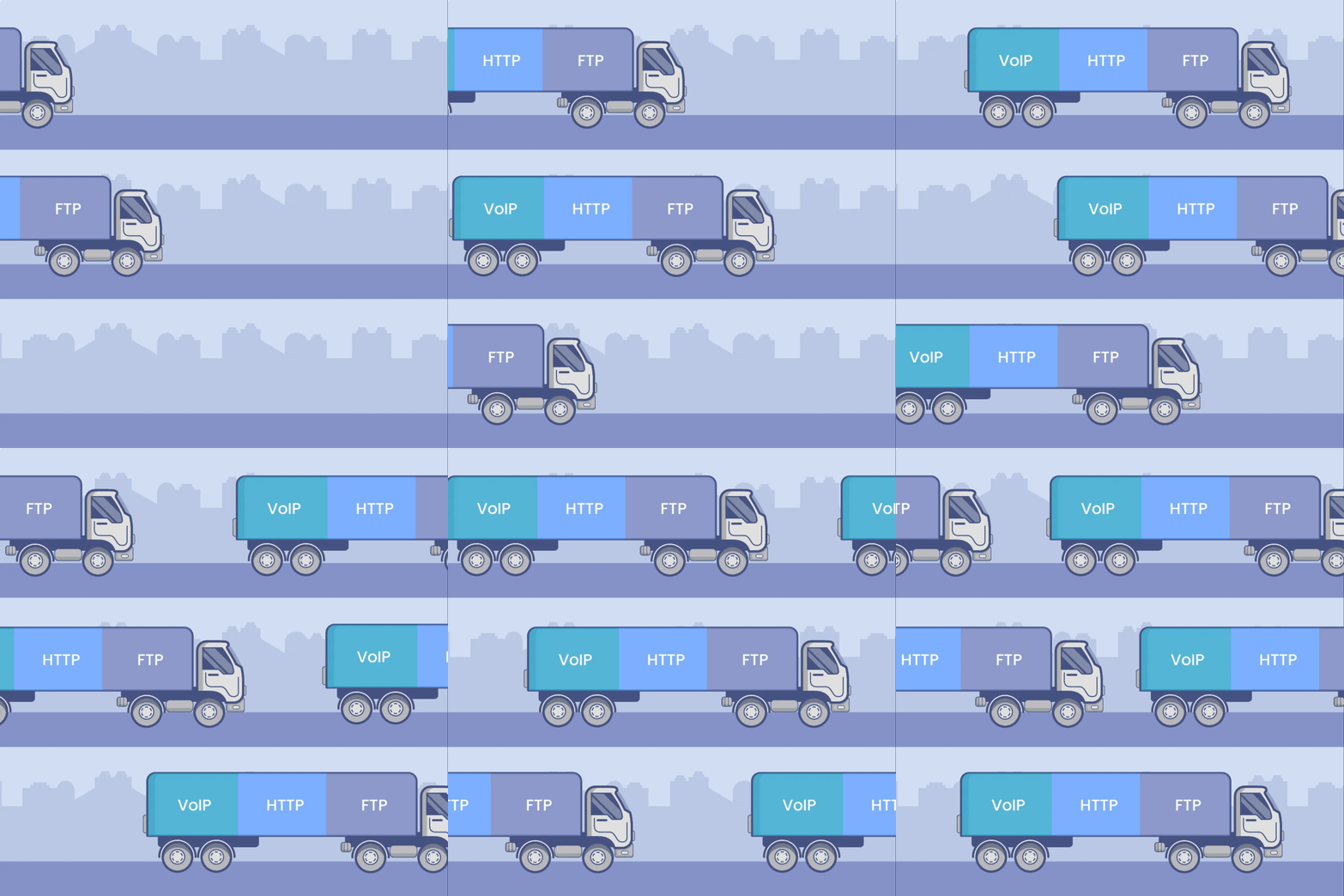
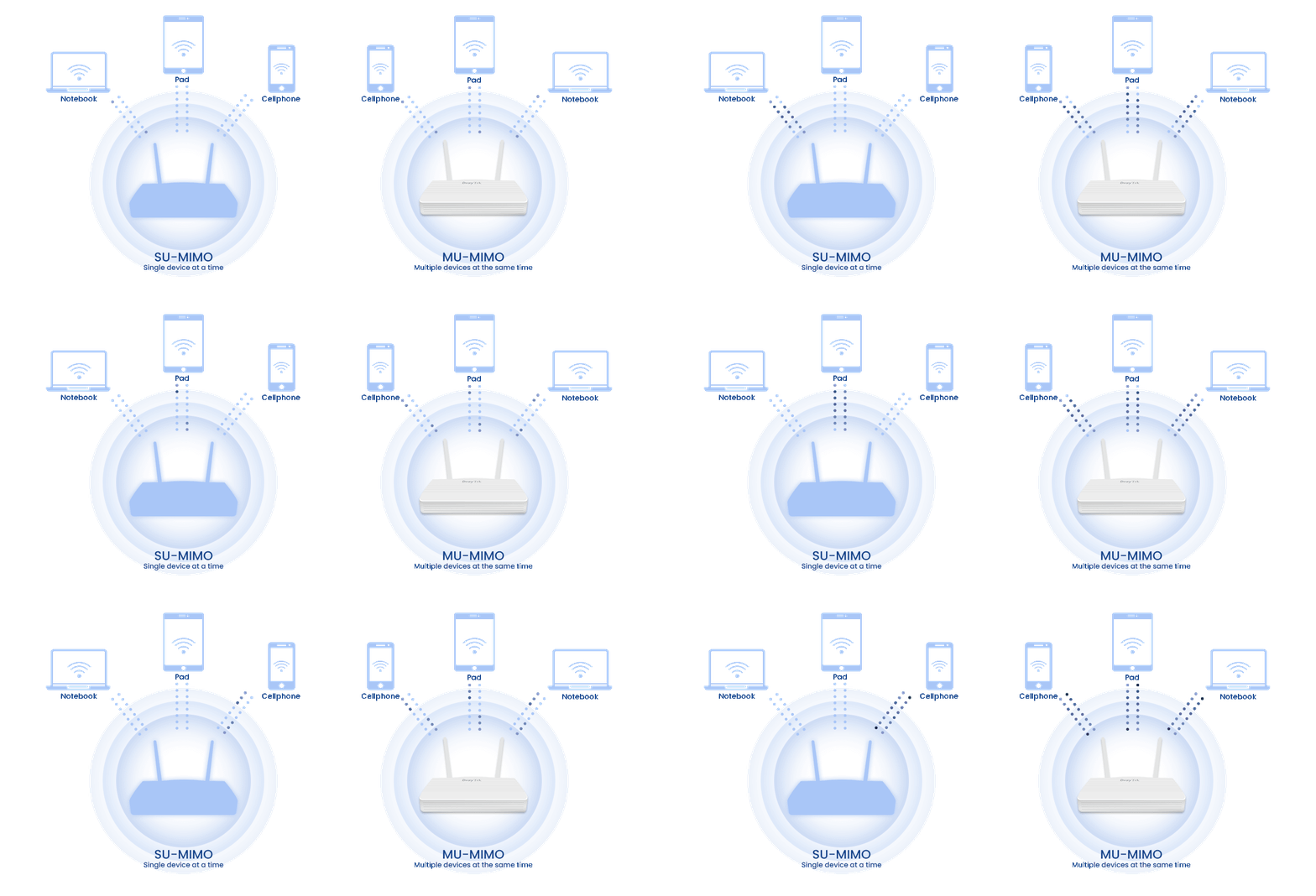
MU-MIMO works like several trucks delivering to users at the same time: it increases capacity and gives each user a higher speed.
BSS Coloring helps overlapping BSSs coexist and allows spatial reuse within a single channel. Simply put, BSS Coloring reduces the co-channel interference found in legacy Wi-Fi networks.
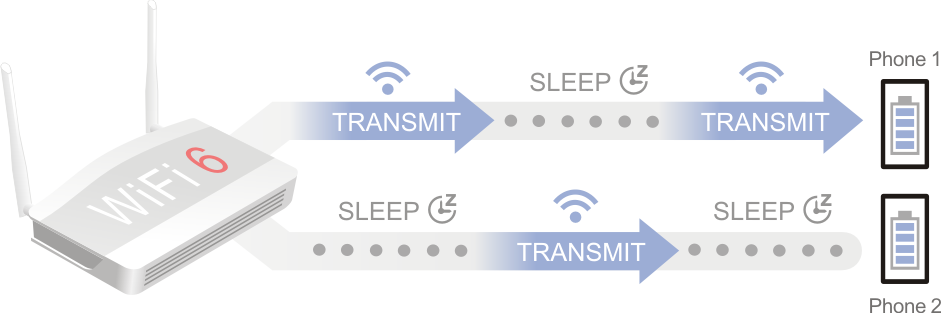
TWT (Target Wake Time) lets end devices spend more time in standby and send and receive data more economically, which cuts energy use and improves overall network efficiency. The AP schedules activity on the Wi-Fi network to minimize medium contention between stations (STAs) and to shorten the time a power-saving STA needs to stay awake.
WPA3 (Wi-Fi Protected Access 3) improves Wi-Fi security by fixing weaknesses in earlier standards such as WPA2 and adding new protections for modern wireless communications. Introduced in 2018, WPA3 provides stronger authentication, better encryption, and improved defenses against attacks such as brute-force password guessing and man-in-the-middle exploits.
DrayTek’s Wi-Fi 6 encryption:
- WEP (64 / 128-bit)
- WPA / WPA2 / WPA3 / OWE
The comparison table below shows how much WPA3 improves WLAN security.
| WEP | WPA | WPA2 | WPA3 | |
|---|---|---|---|---|
| Encryption | RC4 | TKIP / RC4 | AES-CCMP | AES-CCMP / AES-GCMP |
| Session Key | 64/128 bit | 128 bit | 128 bit | 128/256 bit |
| Authentication | Open system, shared key | Pre-shared key | Pre-shared key | AES-CCMP / AES-GCMP |
| Level of Security | Very low | Low | Moderate | High |
Flexible LAN Deployment
The VigorAP 905 has 1×2.5GbE and 4×1GbE LAN ports, a balanced mix of high-speed and standard Ethernet connections. This lets you plan flexible LAN deployments for both high-bandwidth devices and everyday network clients. In a business, retail store or home, the VigorAP 905 delivers stable wired connectivity for a wide range of uses.
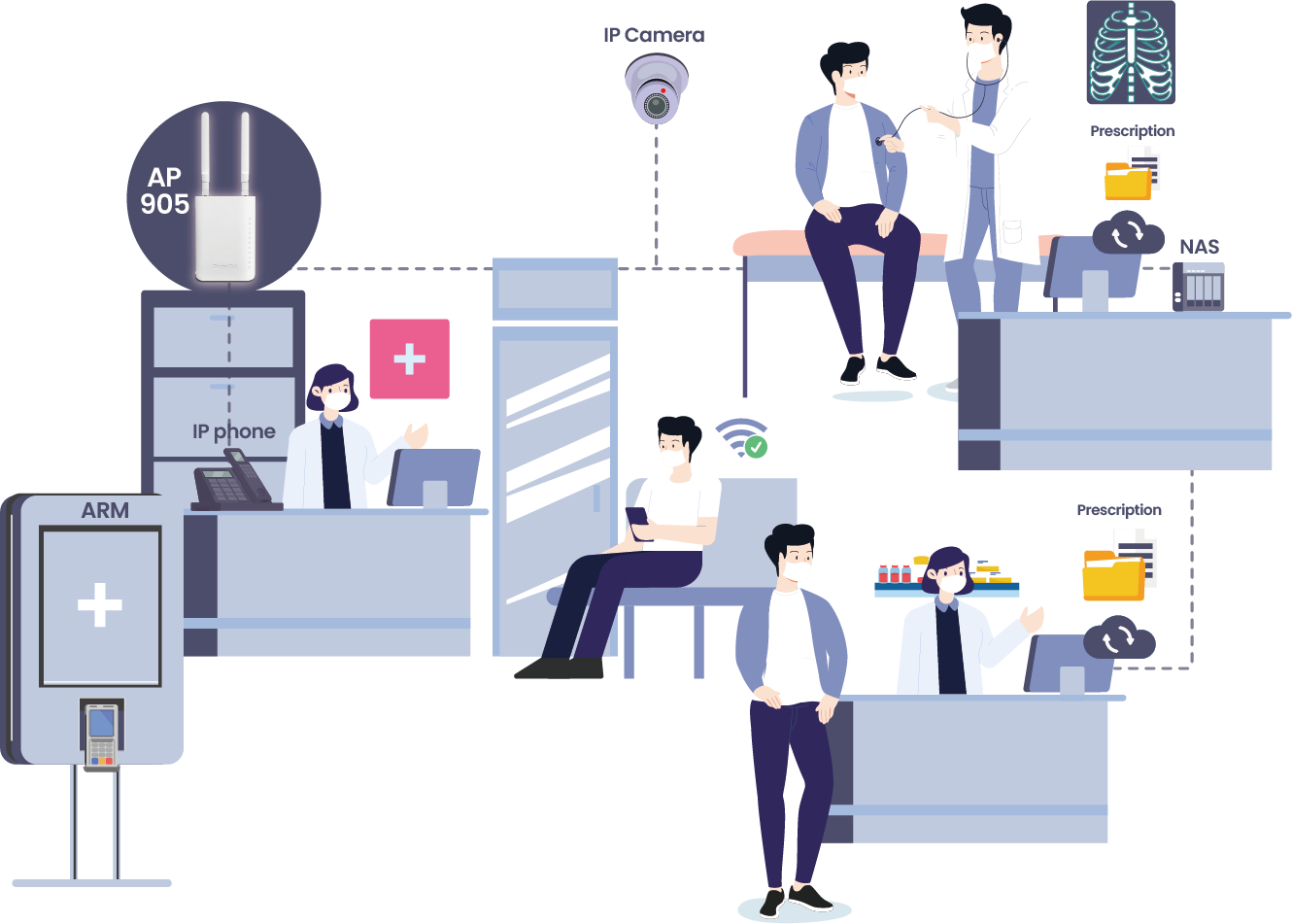
Clinic
In a clinic, the VigorAP 905 uses its LAN ports to connect essential devices such as the Vigor2136, NAS, IP phone, IP camera and auto-registration machine, supporting secure storage, voice communication and surveillance.
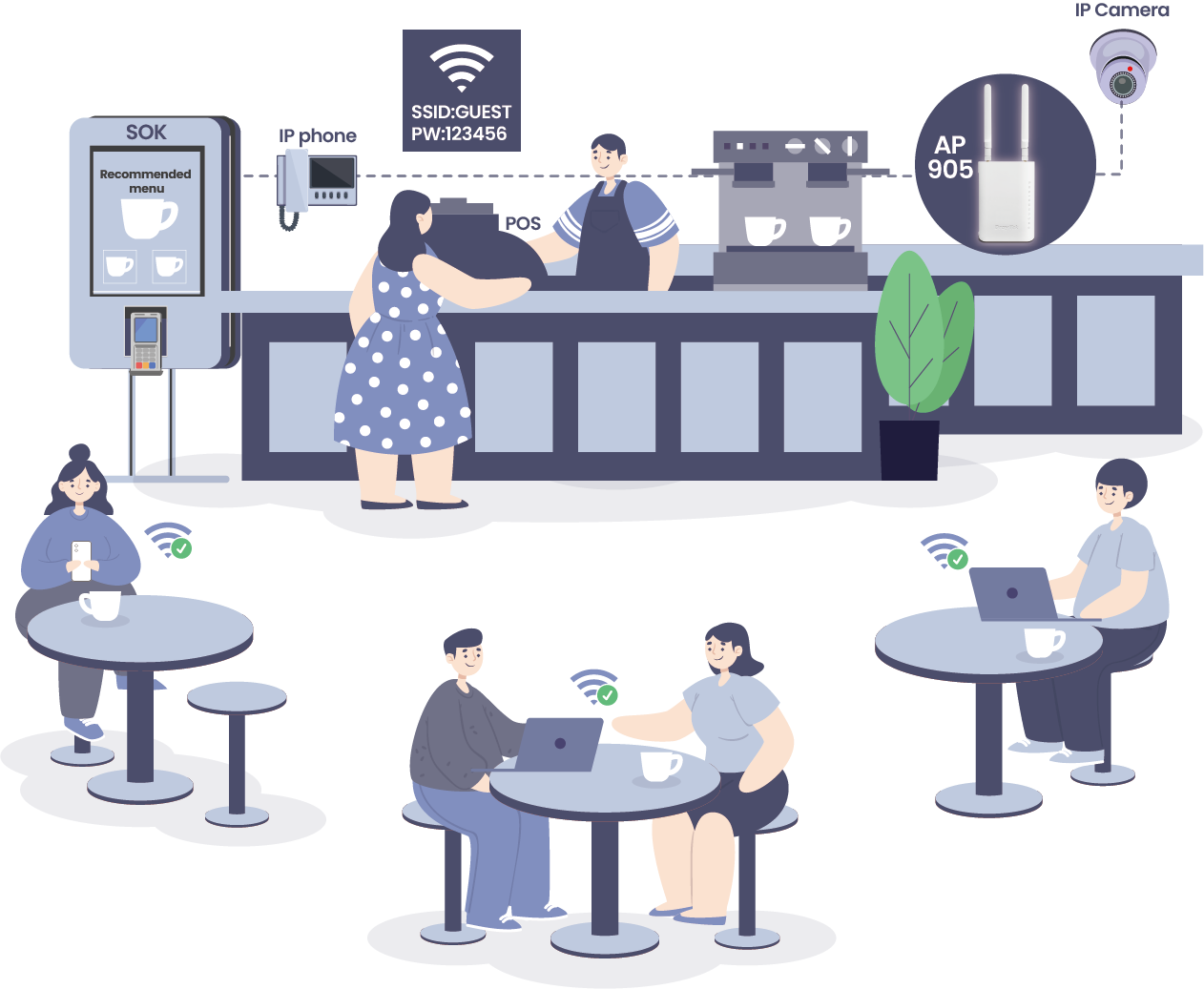
Coffee Shop
In a coffee shop, the VigorAP 905 connects the Vigor2136, PoS terminals, IP phone, IP camera and self-ordering kiosk, giving stable wired connections to business operations and customer-facing systems.
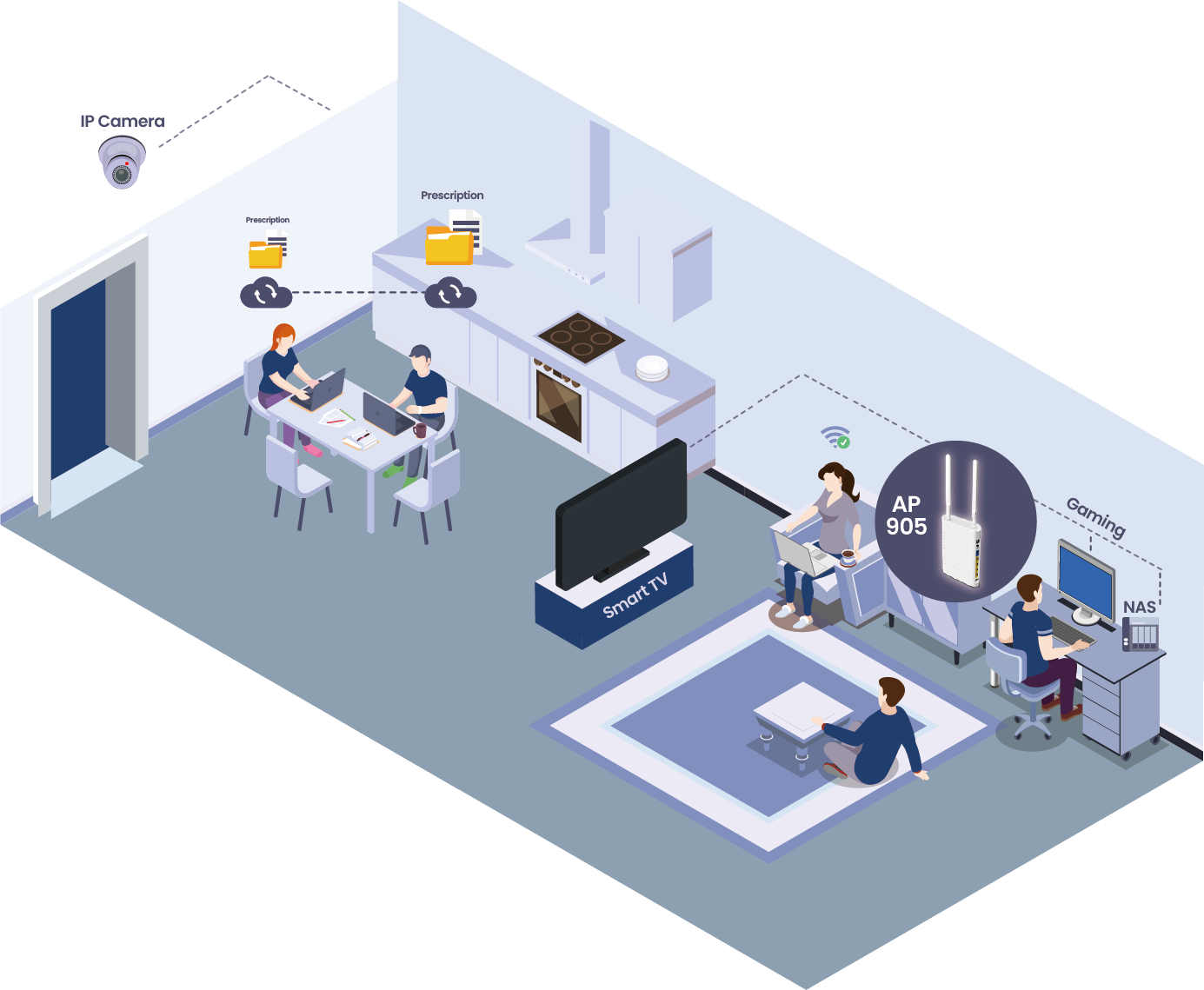
Home
In a home network, the VigorAP 905 connects the Vigor2136, NAS, IP camera, gaming console and Smart TV. The 2.5GbE port serves high-bandwidth devices for gaming or streaming, while smart home devices stay reliably online.
Meeting Room
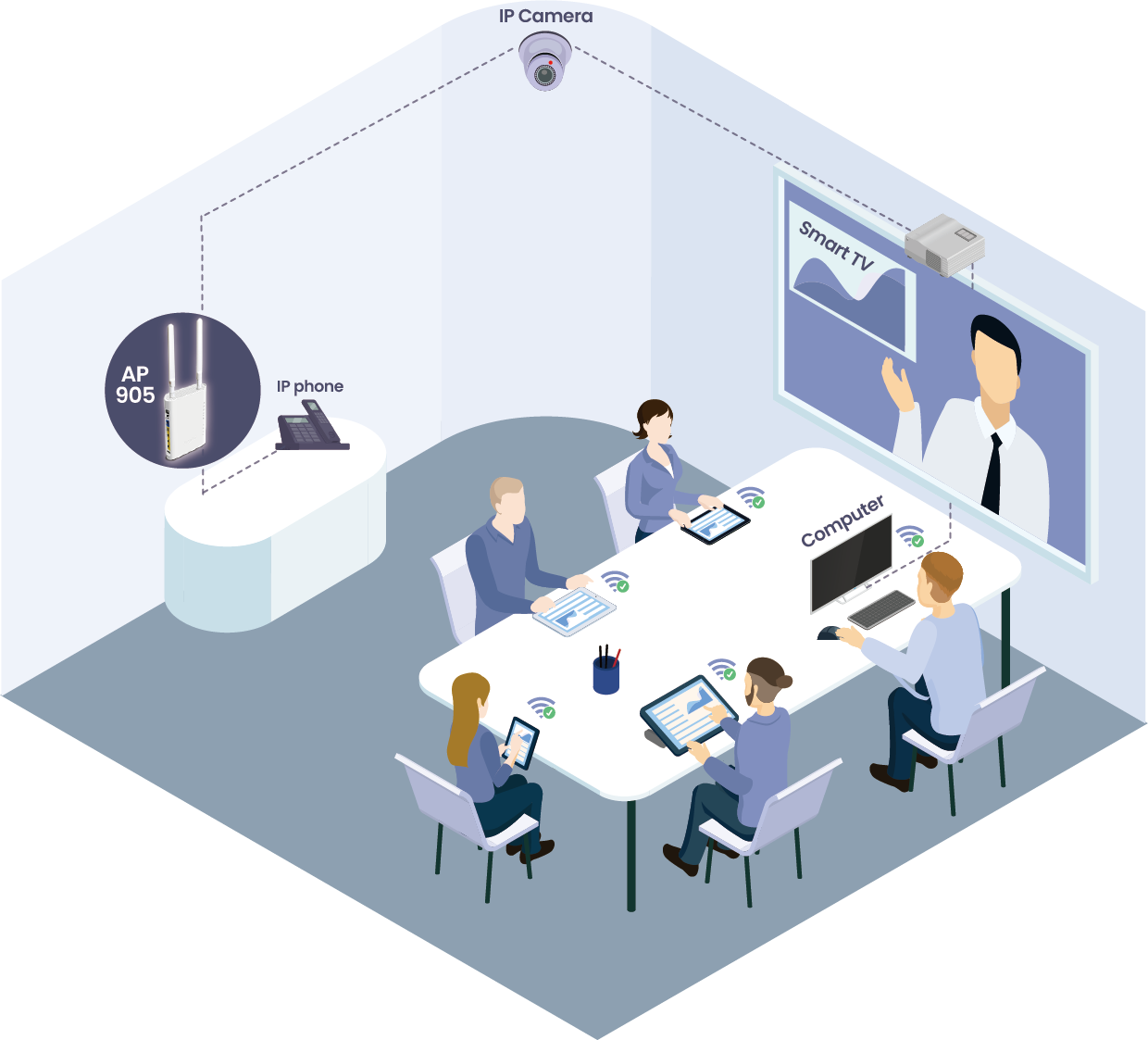
In a meeting room, the VigorAP 905 connects devices such as the Vigor2136, a computer, IP phone, IP camera and Smart TV, with dependable wired connections for presentations, video conferencing and communication.
Seamless Wi-Fi Roaming
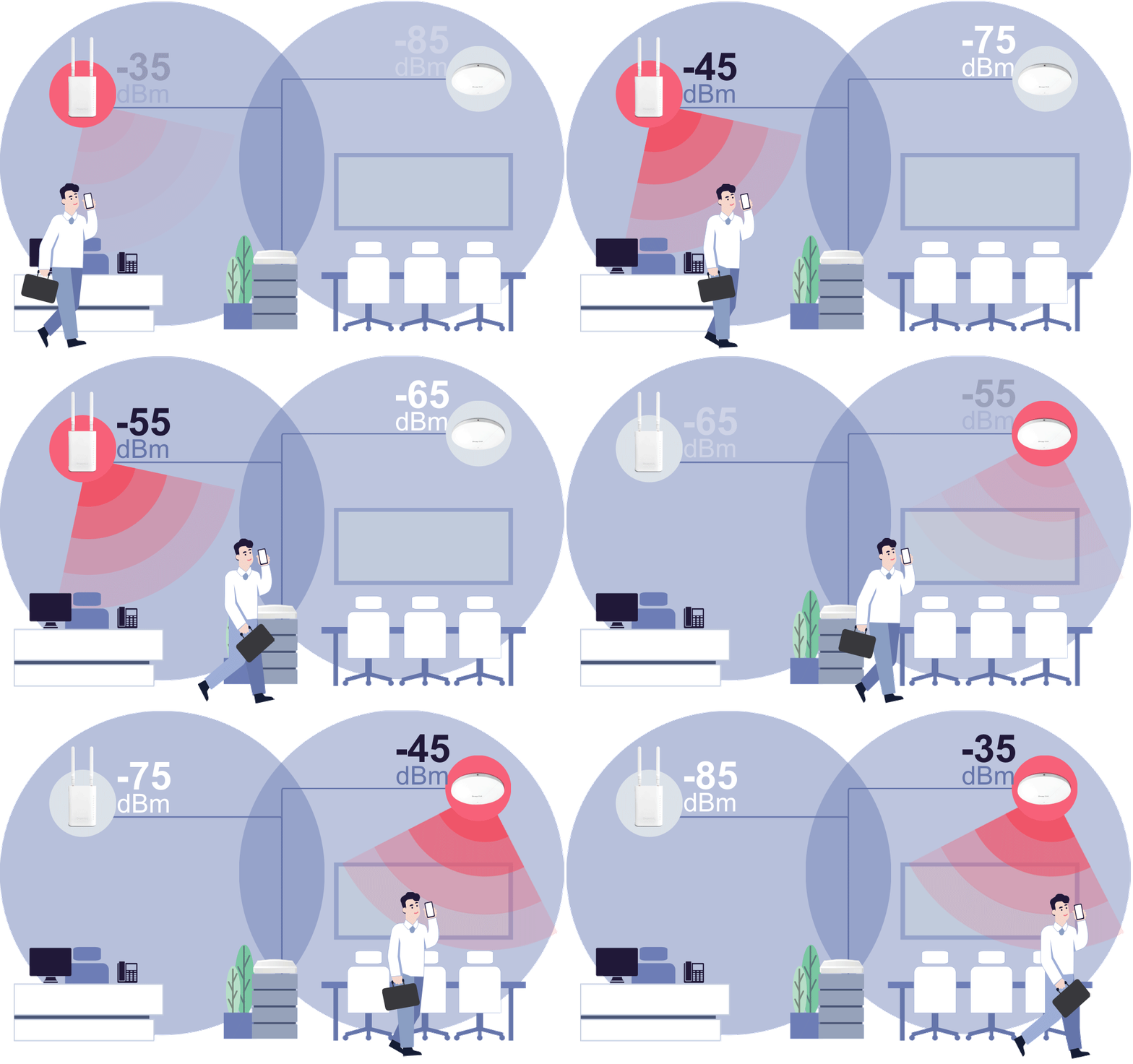
Fast & Smooth Handover
- Switch between access points seamlessly with intelligent roaming support.
- Supports Over-the-DS (via wired backbone) and Over-the-Air handoffs for reliable connectivity during video calls, voice chats, and real-time applications.
Smarter Assisted Roaming
- Signal thresholds and AP steering help devices move to stronger APs and balance network loads.
- Enjoy stable performance across all devices, everywhere.
Always Optimized for Business
- From offices to campuses, seamless roaming ensures uninterrupted mobility.
- Reliable coverage built for the demands of modern workplaces.
Management Solution
Wireless Virtual Controller
Intelligent Auto-Configuration
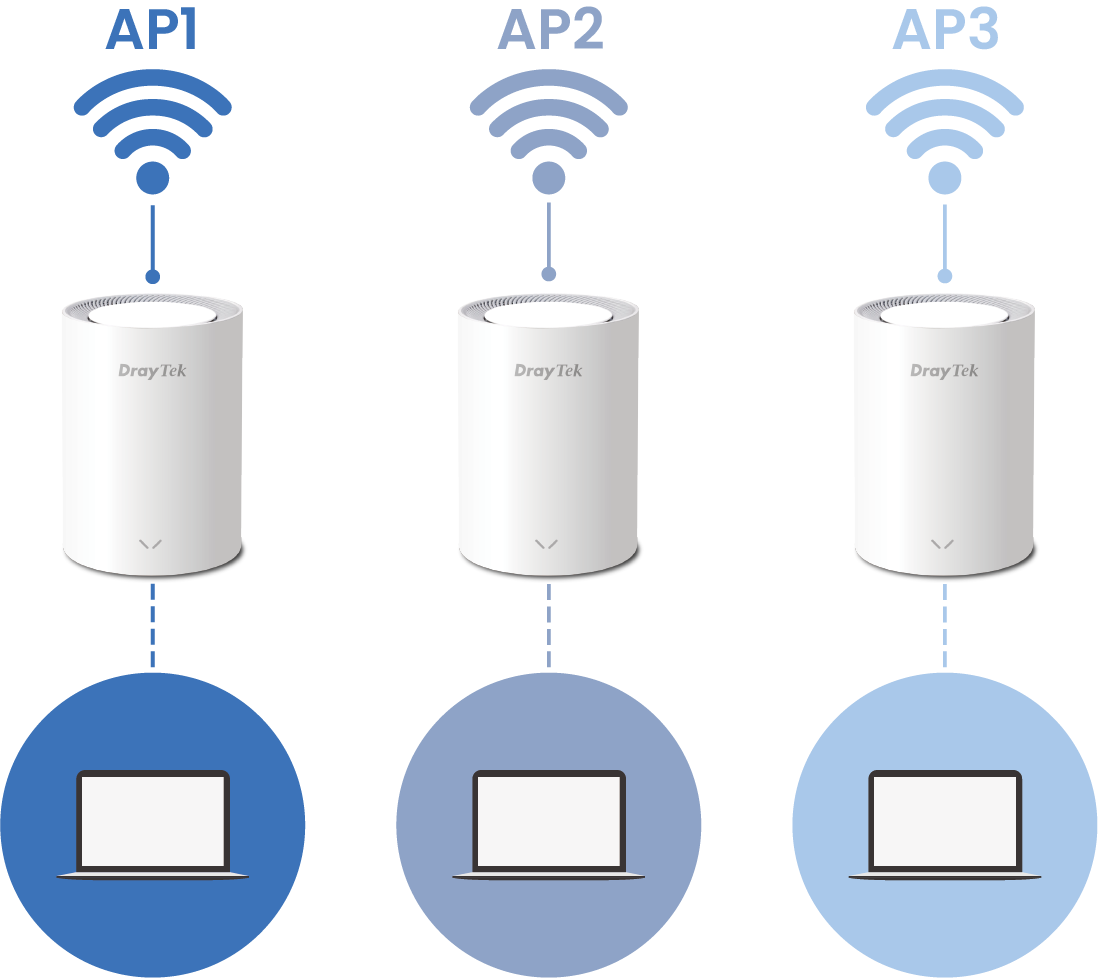
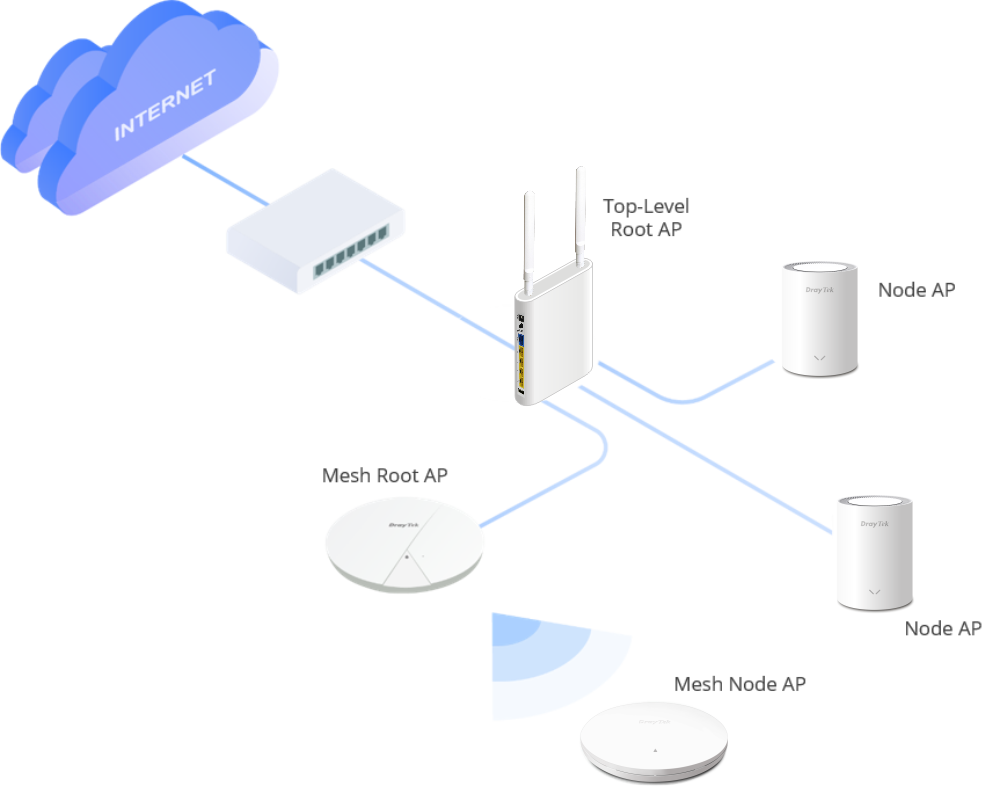
When connected to the VigorAP 1062C, this feature automatically detects whether each access point (AP) is wired or wireless and chooses the most suitable network topology. For smaller managed deployments with fewer than 8 APs, it acts as the Root AP in Mesh mode and manages up to 7 Node APs. For larger managed deployments of up to 20 APs, it switches to AP management mode for more control and scalability.
Wireless Device Monitoring
The intuitive panel gives a complete overview of your network, so you can easily monitor devices, mesh status and nearby APs. It shows details such as WLAN clients, MAC and IP addresses, connection status, the SSIDs on each radio, the number of connected clients, and firmware versions – all on a single page. Offline APs are easy to spot, which simplifies network management and optimization.
Zero Touch Deployment
Once a Node AP is auto-detected and added to the management group, the Root AP automatically pushes all required settings to it, which speeds up setup.
Software Management
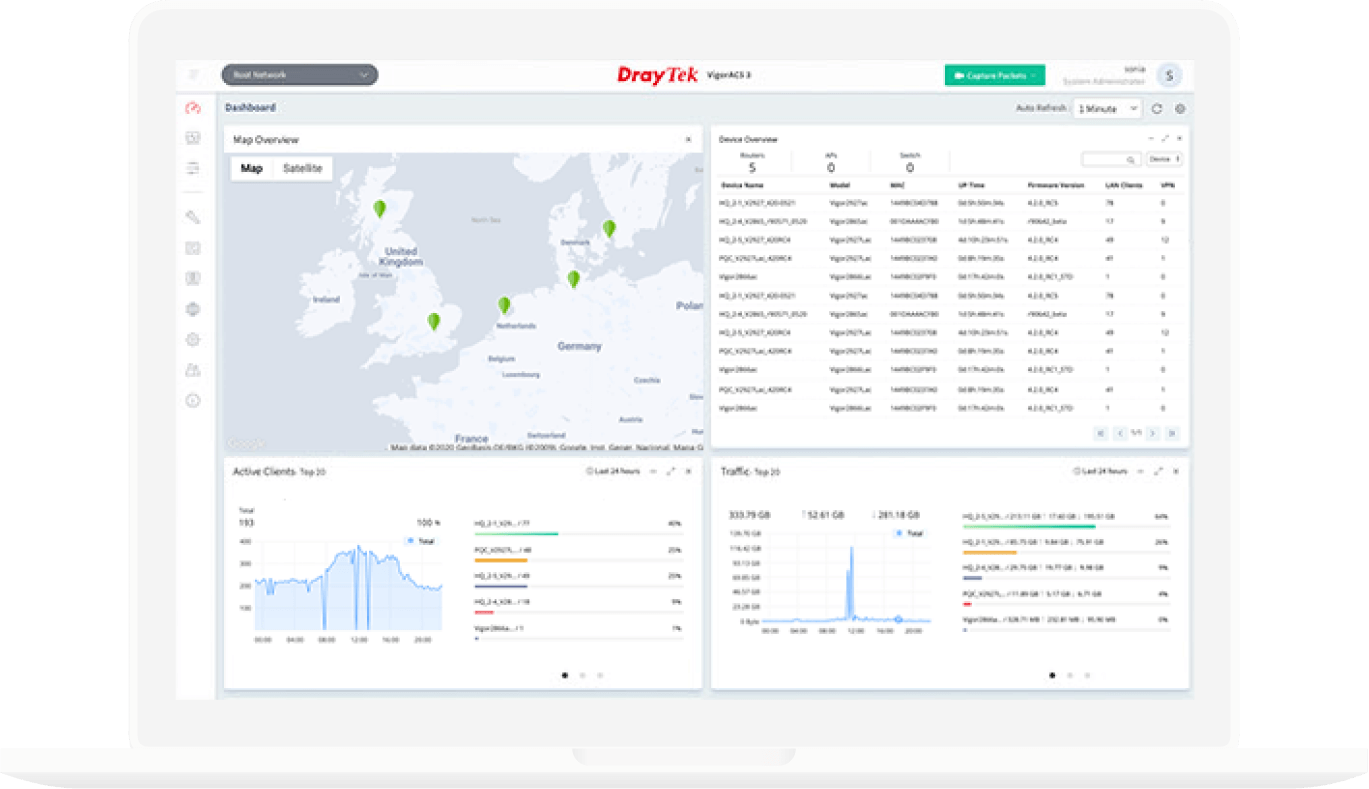
VigorACS 3
- Provisioning
- Monitoring
- Centralized Hierarchy View
- Alarm
- Remote AP/Switch/Router Maintenance
- Scheduled Maintenance
- Report
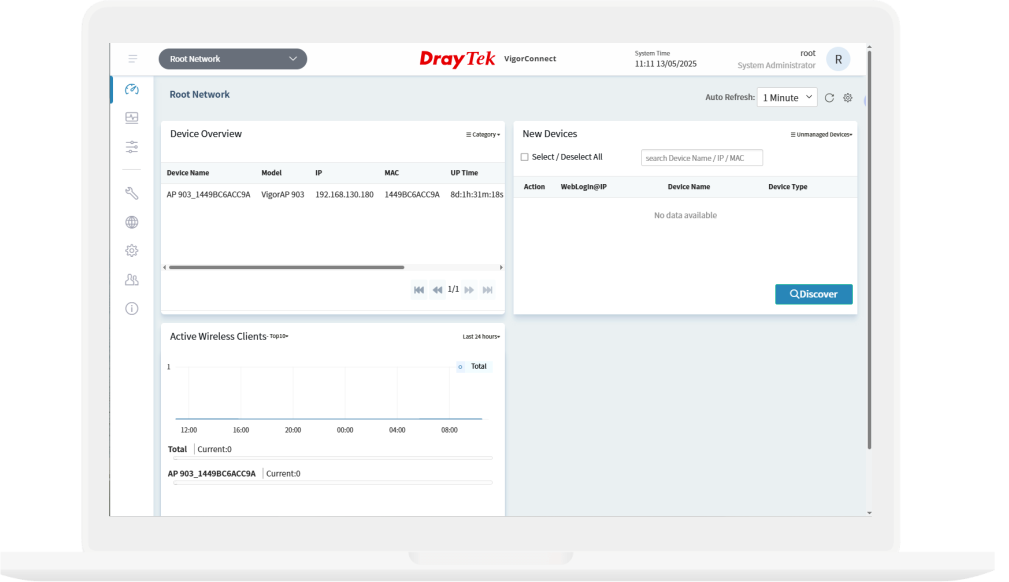
VigorConnect
- AP/Switch Discovery
- Auto-Provisioning
- Monitoring
- Centralized Hierarchy View
- Alarm
- Remote AP/Switch Maintenance
- Scheduled Maintenance
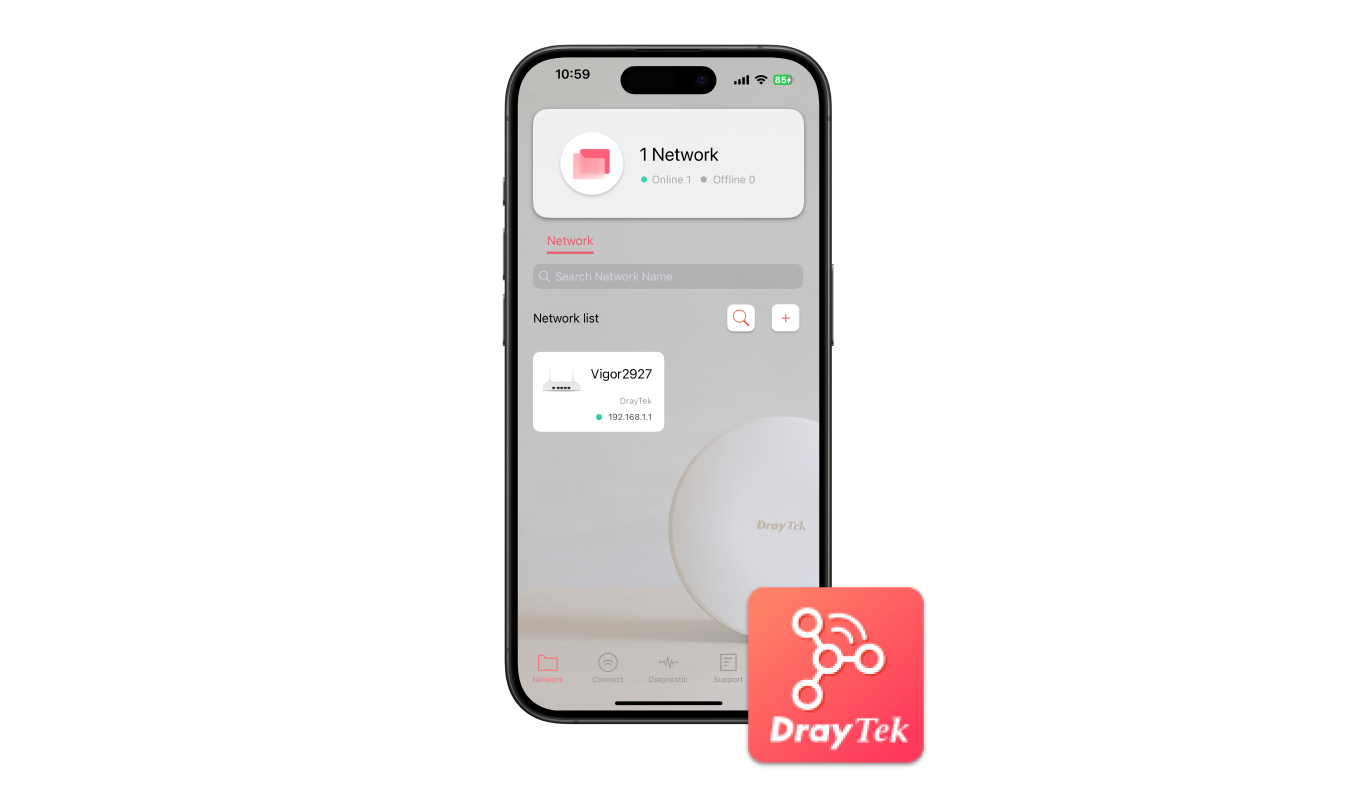
DrayTek Wireless APP
- Build Wireless Network
- Monitoring
- Parental Control & Client Management
- Mesh WiFi Setup
- Check signal strength and speed test
- Scheduled Maintenance
In the box
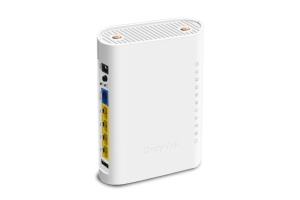 VigorAP 905
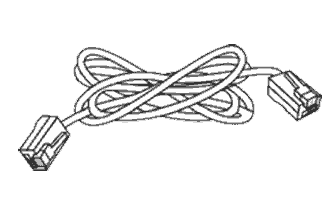 RJ-45 Cable (Ethernet)
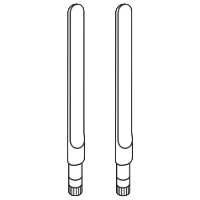 Antenna x 2
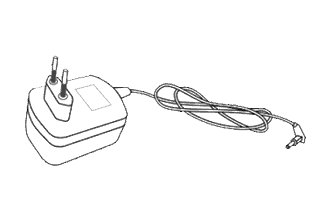 Power Adapter
 Quick Start Guide
Note: The stated throughput figures are maximums from DrayTek internal testing under optimal conditions, with Hardware Acceleration enabled where available. Actual performance may vary with network conditions and the applications in use.
Key Features

Wi-Fi 6
Feature OFDMA and MU-MIMO technology to improve Wi-Fi efficiency and deliver higher wireless speed.


Assisted Wi-Fi Roaming
Solve the sticky client problem and improve Wi-Fi roaming experience. Learn more

Multiple SSIDs
Mapping Wi-Fi clients to different VLANs and have a different set of security standards Learn how

Wi-Fi Scheduling
Schedule Wi-Fi On and Off to control wireless access and save energy.

Airtime Fairness
Equalize the transmission time of each client so the legacy devices won’t slow everyone down. Learn more

Virtual AP Controller
All-in-one management platform for VigorAP 905 to maintain and monitor the VigorAPs.
Specs
Ports |
|
| 1 GbE | 4 |
| 2.5 GbE | 1 |
| USB 2.0 | 1 |
LAN |
|
| DHCP | DHCP Client DHCP Server DHCP Relay Agent |
| Static IP | ✓ |
| Bind IP to MAC | ✓ |
| 802.1q tag-based VLAN | ✓ |
WLAN |
|
| Band Type | Dual-Band |
| Wi-Fi 6 | ✓ |
| OFDMA | ✓ |
| Max. Clients | 256 |
| 2.4GHz WLAN | 802.11 b/g/n/ax |
| 5GHz WLAN | 802.11 a/n/ac Wave 2/ax |
| Antennas | 2x External DB + 1x Internal 5G |
| 2.4GHz Antenna Gain (dBi) | 1.87 |
| 5GHz Antenna Gain (dBi) | 5.72 |
| 2.4GHz Max. Link Rate (Mbps) | 600 |
| 5GHz Max. Link Rate (Mbps) | 2400 |
| Operating Mode | AP Mesh Root Mesh Node Range Extender |
| Max. Number of SSIDs (per band) | 16 (8) |
| MAC Address Filter (Max. entry number per SSID) | 128 |
| Security Mode | OWE WEP WPA WPA2/WPA WPA2 WPA3/WPA2 WPA3 |
| Authentication | Enterprise, Personal |
| WMM | ✓ |
| AirTime Fairness | ✓ |
| Band Steering | ✓ |
| Roaming | AP-Assisted Roaming Pre-Authentication 802.11r 802.11v 802.11k |
| WPS | PIN Code, WPS Button |
| WDS | Repeater |
Objects |
|
| MAC Object | ✓ |
| MAC Group | ✓ |
| Schedule | ✓ |
APP Notifications |
|
| System | WUI/SSH/Telnet Login |
| Wireless LAN | Mesh Node online/offline |
Authentication |
|
| RADIUS Authentication | ✓ |
Certificates |
|
| Local Certificates | ✓ |
| Trusted CA | ✓ |
| Local Services | ✓ |
| Backup & Restore | ✓ |
Monitoring |
|
| DHCP Table | ✓ |
| ARP Table | * |
| LLDP Neighbors information | ✓ |
| Web Syslog | ✓ |
| Internet Detection | ✓ |
| Clients List | ✓ |
Utility |
|
| Ping Tool | ✓ |
| Trace Tool | ✓ |
| Web CLI | ✓ |
System Maintenance |
|
| Syslog | ✓ |
| SNMP | v1, v2c, v3 |
| Firmware Upgrade | TFTP, TR-069, WUI |
| Backup/Restore | ✓ |
| Role-based Privilege | ✓ |
| System Reboot | ✓ |
Management |
|
| Service Control | HTTP HTTPS Telnet |
| TR-069 | ACS and CPE Settings |
| Mesh | Node, Root |
| Virtual AP Controller (Device up to) | 20 |
| VigorConnect Management (Since f/w) | V5.0.4 |
| VigorACS Management (Since f/w) | V5.0.4 |
PoE |
|
| PoE Input Power Supply | 48V @ 0.45A |
| PoE Input | PoE+ (802.3af/at) |
Physical |
|
| Environment | Indoor |
| Mounting | Wall / Desktop |
| Powered via | DC / PoE |
| Power Input | 12V DC @ 1.5A |
| Max. Power Consumption (watts) | 17 |
| Dimension (mm) | 115 x 158 x 40 |
| Weight (g) | 330 |
| Operating Temperature | 0 to 40°C |
| Storage Temperature | -20 to 60°C |
| Operating Humidity (non-condensing) | 10 to 90% |
Note:
- * : Future Support
- The stated throughput performance figures are the maximum derived from DrayTek internal testing, conducted under optimal conditions, with Hardware Acceleration enabled where available. The actual performance may vary based on network conditions and activated applications.
Accessories
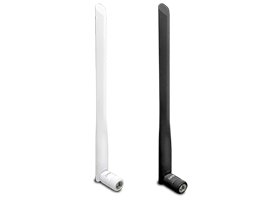
Resources
Firmware
VigorAP 905 Firmware Version 5.1.1
VigorAP 905 Firmware Version 5.1.1 Release Note