
2×2 Dual Band WiFi 6 AP
WiFi 6 Wall-Mount/Desktop AP
VigorAP 906 is 11ax wall-mount/desktop wireless access point with a 5-port LAN switch. With wire-liked link rate up to 2402 Mbps* in 5GHz band and up to 574 Mbps in 2.4GHz band, it’s suitable for high density environments. It can be cloud-managed by VigorACS, and also act as the mesh Root AP to manage up to 7 mesh node APs in LAN (check mesh compatible list for futhur details).
Overview
AX3000
Delivers link rate up to 3 Gbps
254 Users
Active at maximum, 127 per radio
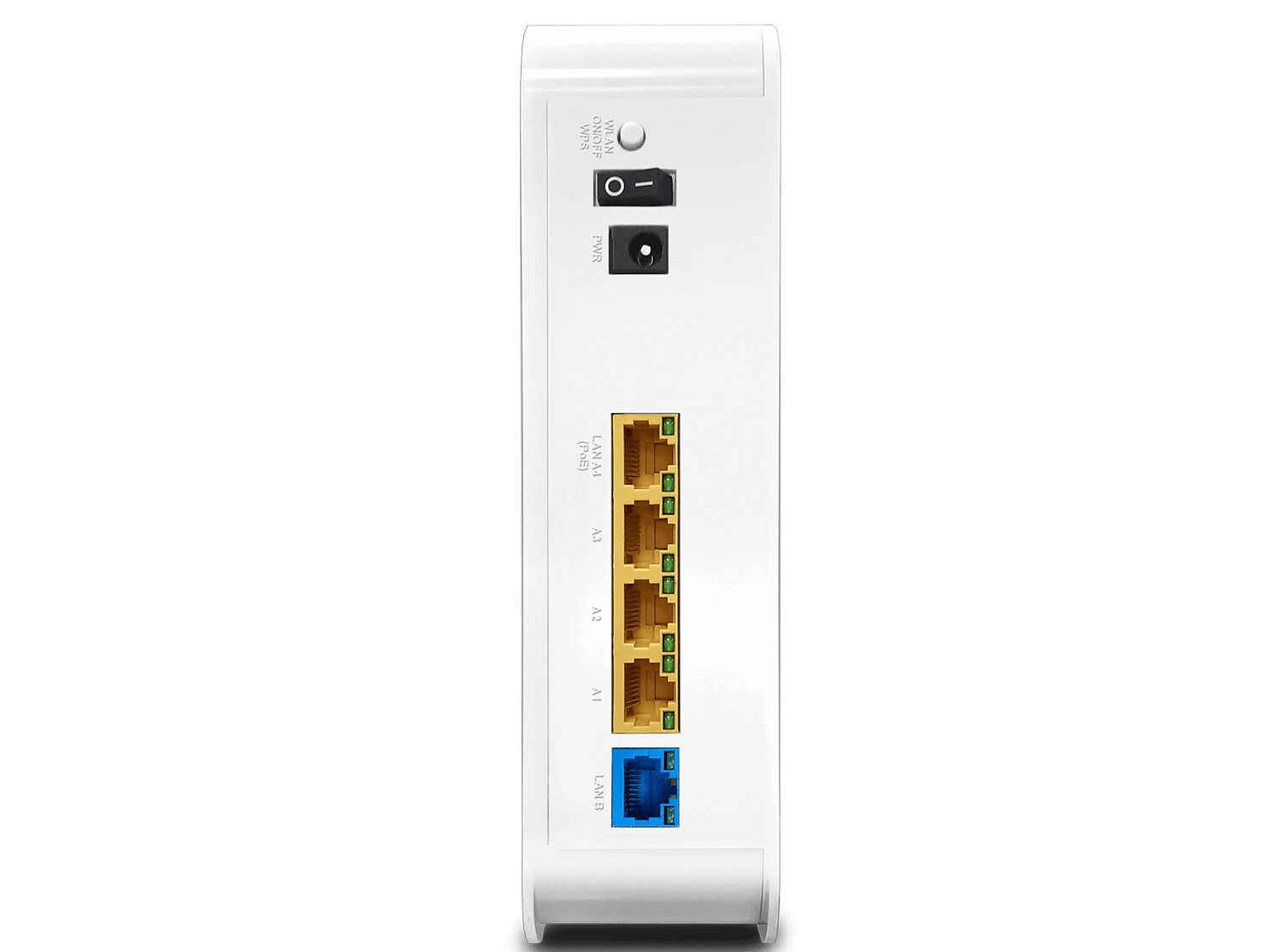
5 LAN Port
5x 10/100/1000M Base-T RJ-45
1 PoE
802.3at compliant
*Maximum 5G wireless speeds may vary due to regional limitations.
Interface
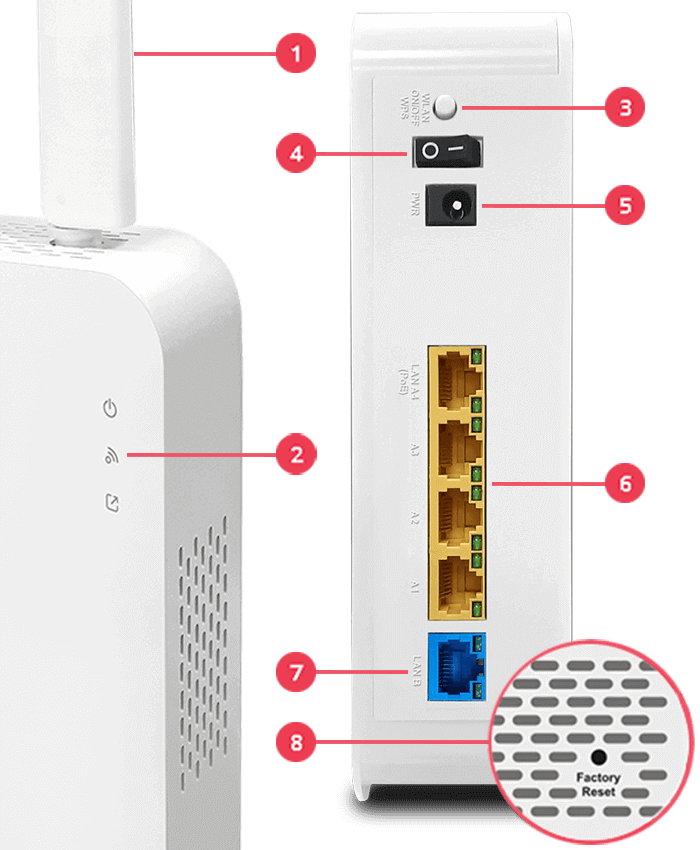
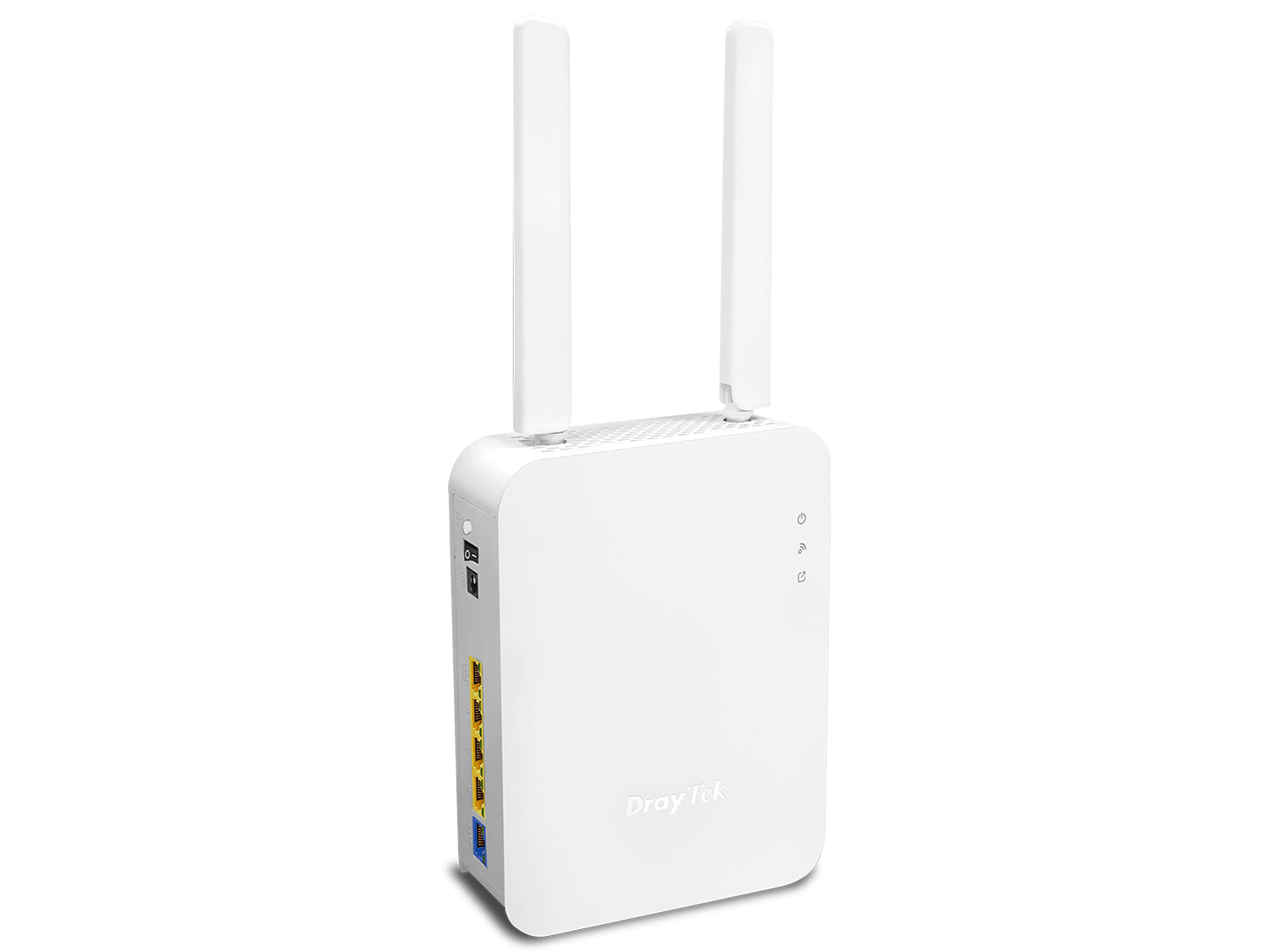
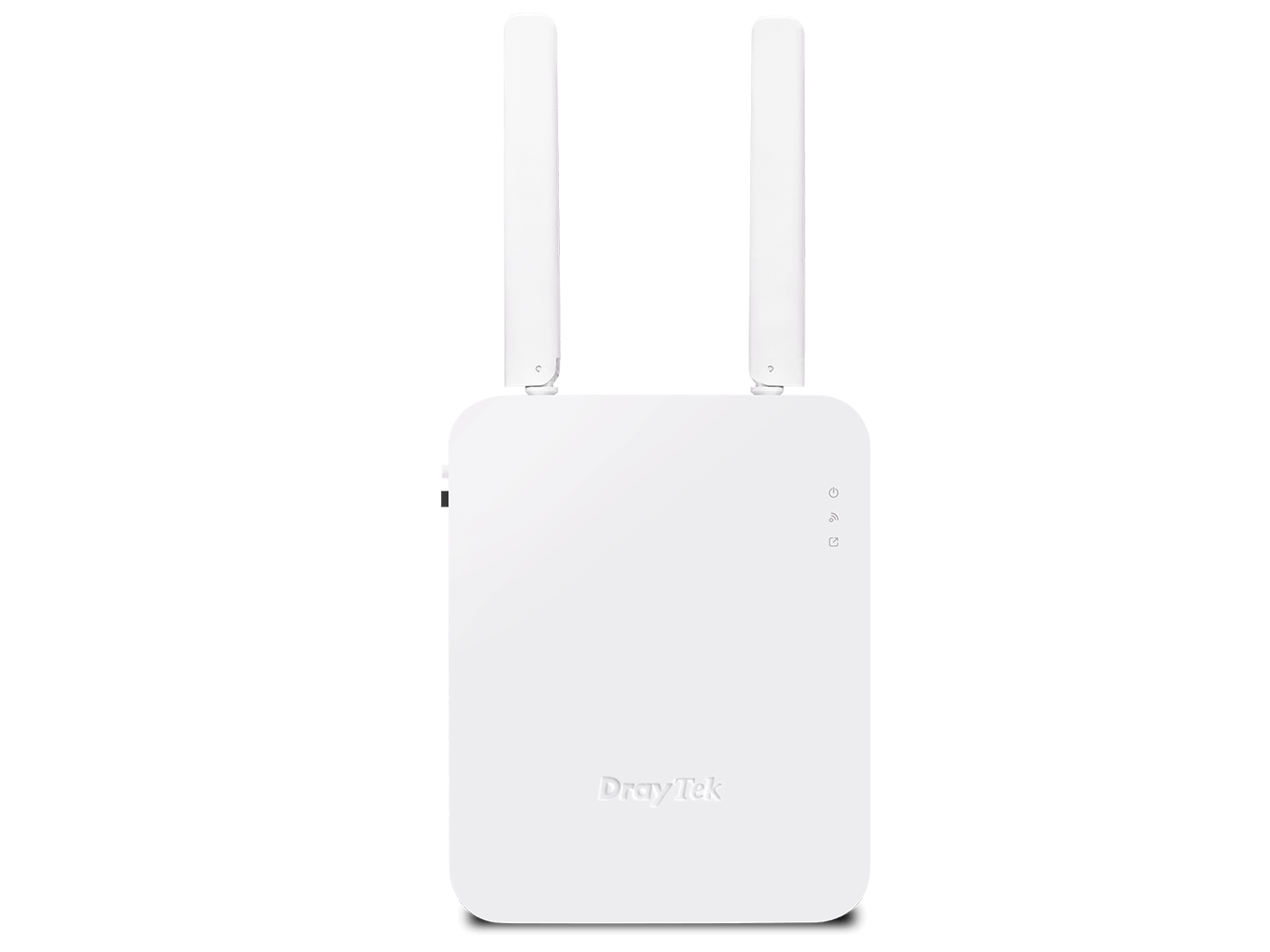
1Antenna: 2x External Dipole
2LED Indicator
3WLAN/WPS Button
4Power On/Off Switch
5Power Input
6LAN A: 4x GbE (1x PoE-PD)
7LAN B: 1x GbE
8Factory Reset Button
WiFi 6 Capacity
OFDMA (Orthogonal Frequency Division Multiple Access) is a key feature of the Wi-Fi 6 certification program. Part of the Wi-Fi 6 standard, OFDMA relies on efficient scheduling to perform well in congested, complex network environments. As Wi-Fi 6 adoption grows among manufacturers and across the industry, it becomes increasingly important to analyze and document the benefits of a well-implemented OFDMA and to be able to measure its impact.
OFDM
OFDMA
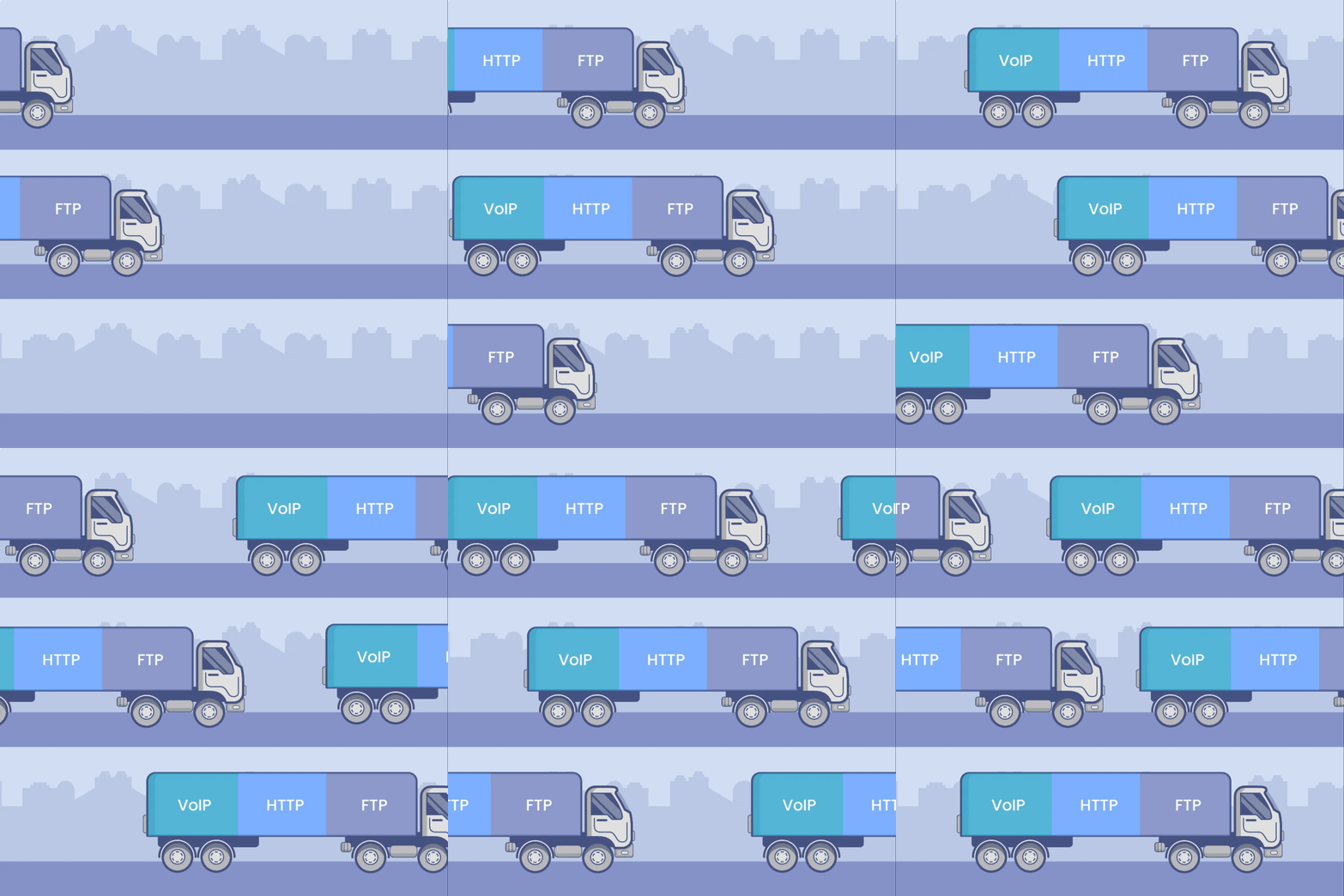
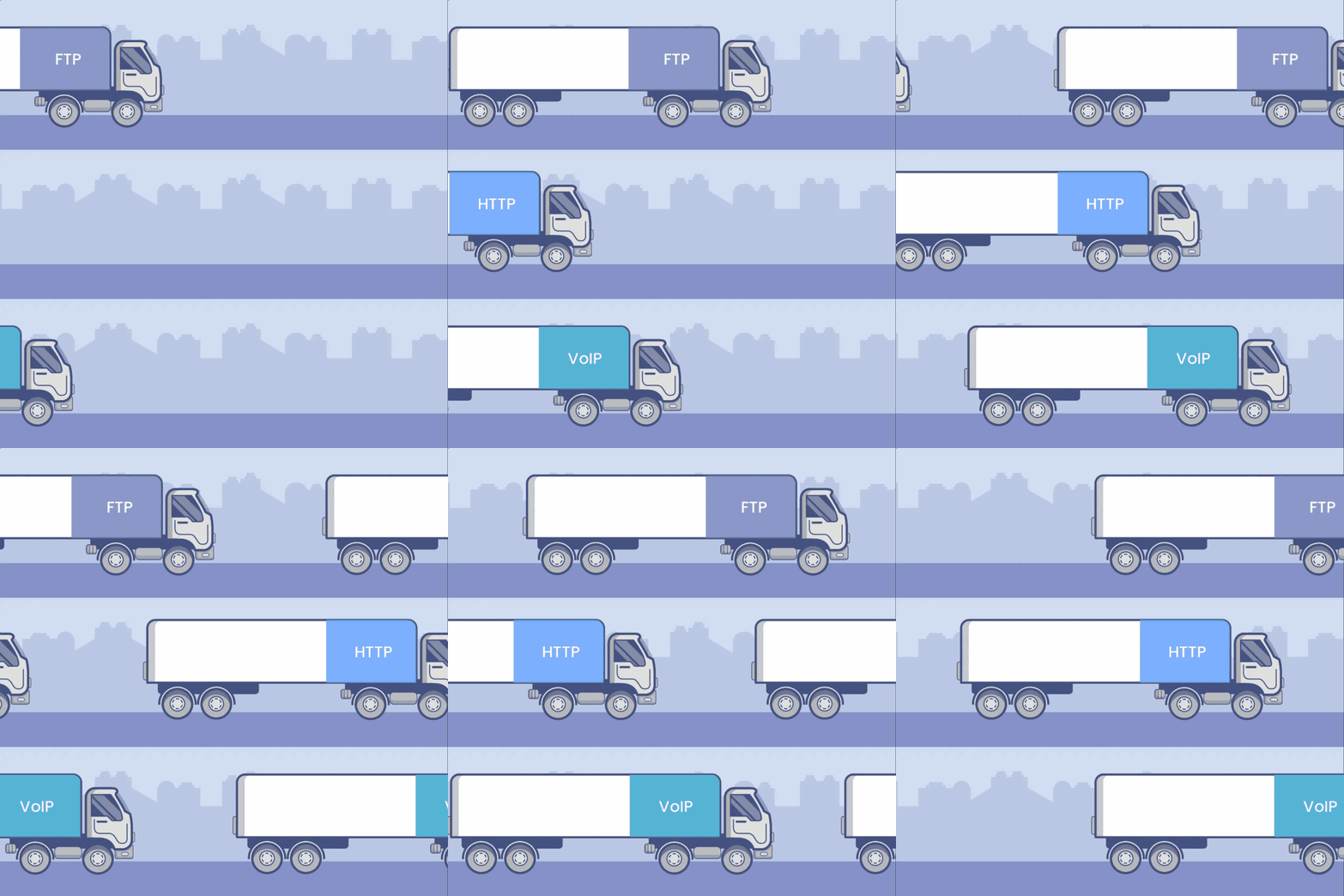
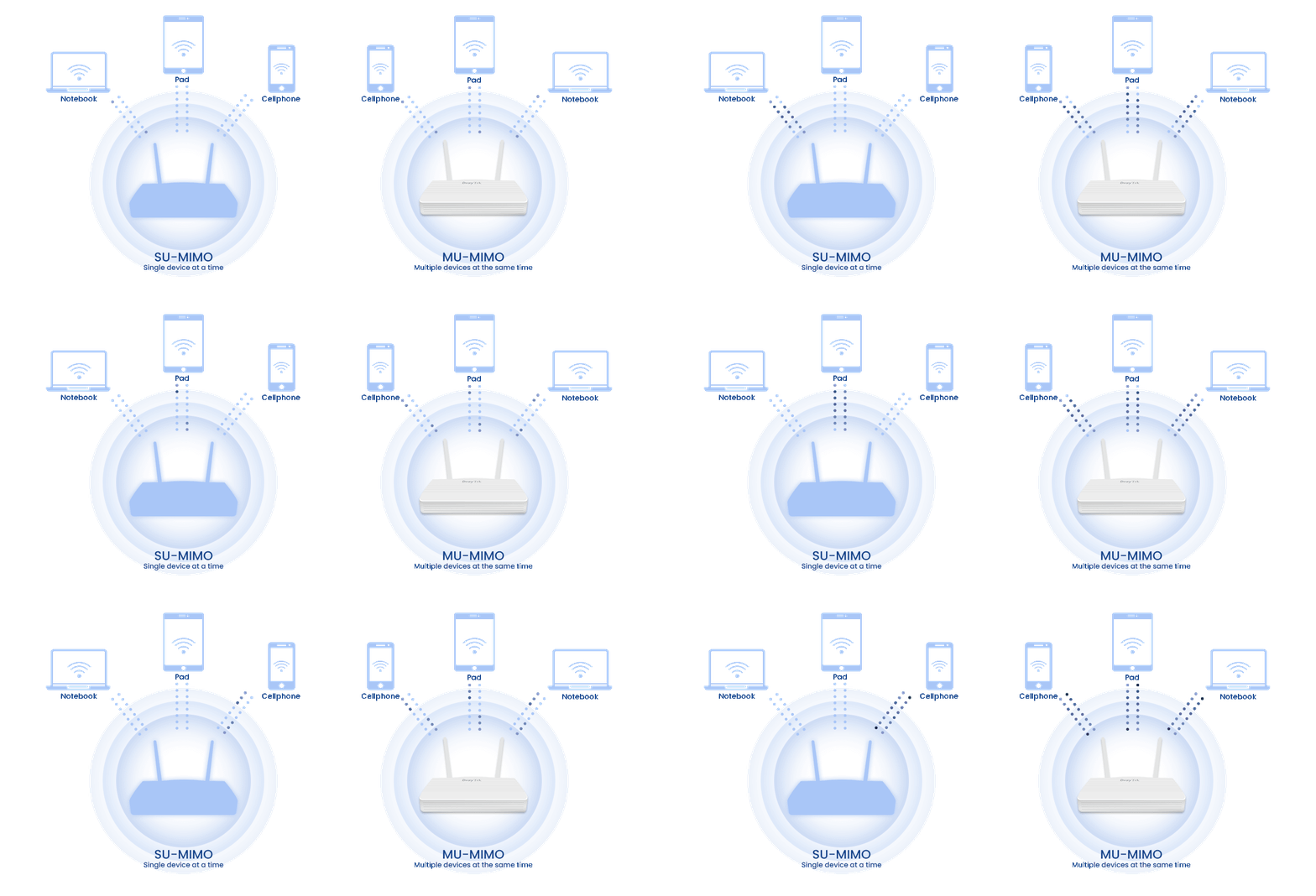
MU-MIMO works like several trucks serving users at the same time. It increases capacity and delivers higher speed per user.
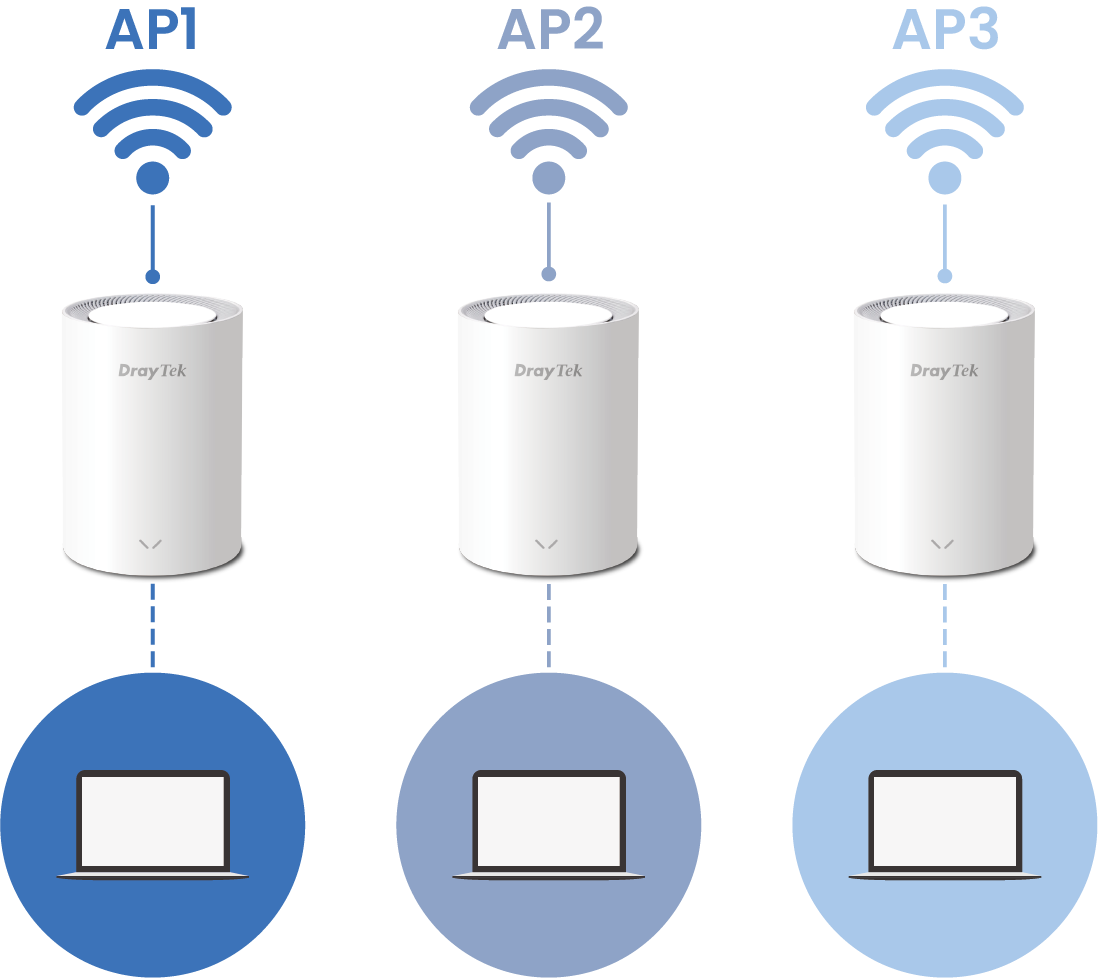
BSS Coloring is a technique that improves coexistence between overlapping BSSs and allows spatial reuse within a single channel. Simply put, BSS Coloring helps reduce the co-channel interference found in legacy Wi-Fi networks.
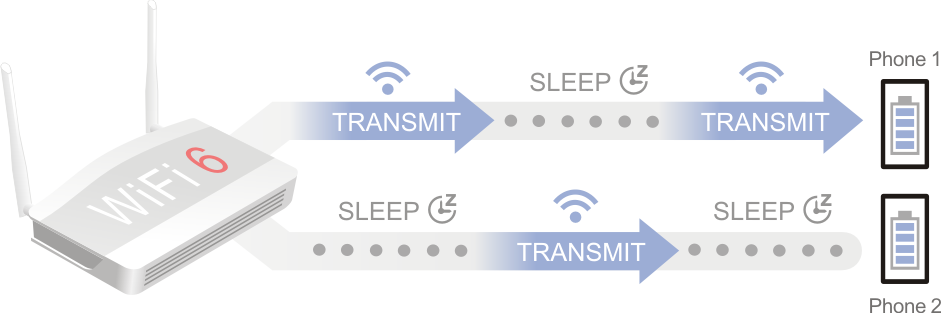
TWT (Target Wake Time) lets end devices spend more time in standby and send and receive data more economically. This reduces energy consumption and improves overall efficiency on the home network. TWT allows an AP to manage activity on the Wi-Fi network to minimize medium contention between stations (STAs) and to reduce how long an STA in power-save mode needs to stay awake.
WPA3 (Wi-Fi Protected Access 3) strengthens Wi-Fi network security by addressing vulnerabilities in earlier standards such as WPA2 and adding new features that better protect modern wireless communications. Introduced in 2018, WPA3 provides stronger authentication, better encryption, and improved defenses against attacks such as brute-force password guessing and man-in-the-middle exploits.
DrayTek’s Wi-Fi 6 encryption:
- WEP (64 / 128-bit)
- WPA / WPA2 / WPA3 / OWE
The comparison table below shows how clearly WPA3 advances WLAN security design.
| WEP | WPA | WPA2 | WPA3 | |
|---|---|---|---|---|
| Encryption | RC4 | TKIP / RC4 | AES-CCMP | AES-CCMP / AES-GCMP |
| Session Key | 64/128 bit | 128 bit | 128 bit | 128/256 bit |
| Authentication | Open system, shared key | Pre-shared key | Pre-shared key | AES-CCMP / AES-GCMP |
| Level of Security | Very low | Low | Moderate | High |
Mobile Device Management
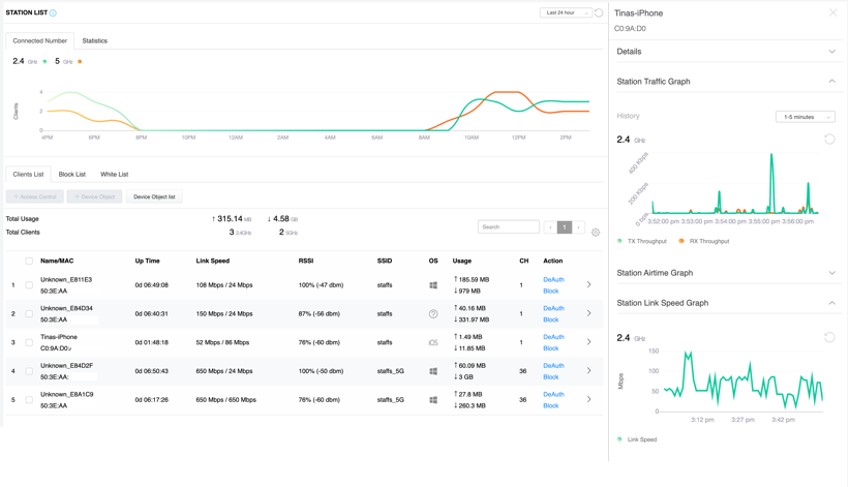
Station List and Allow/Block List
The VigorAP records associated devices along with their signal strength, airtime, link rate, data usage, and more. Network administrators can track client connectivity and activity history on this single panel. If they spot suspicious activity, they can create allow/block policies right away by MAC address or device type.
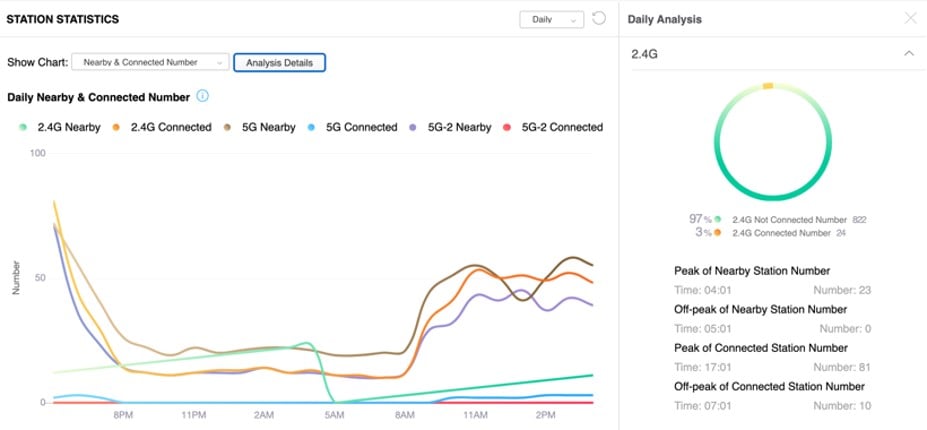
Nearby Station Analytics
The VigorAP tracks the MAC addresses of both associated and non-associated devices, along with their signal strength. Retail and hospitality customers can use this information to understand visitor behavior and optimize their business by adjusting opening hours and marketing campaigns accordingly.
Seamless Wi-Fi Roaming
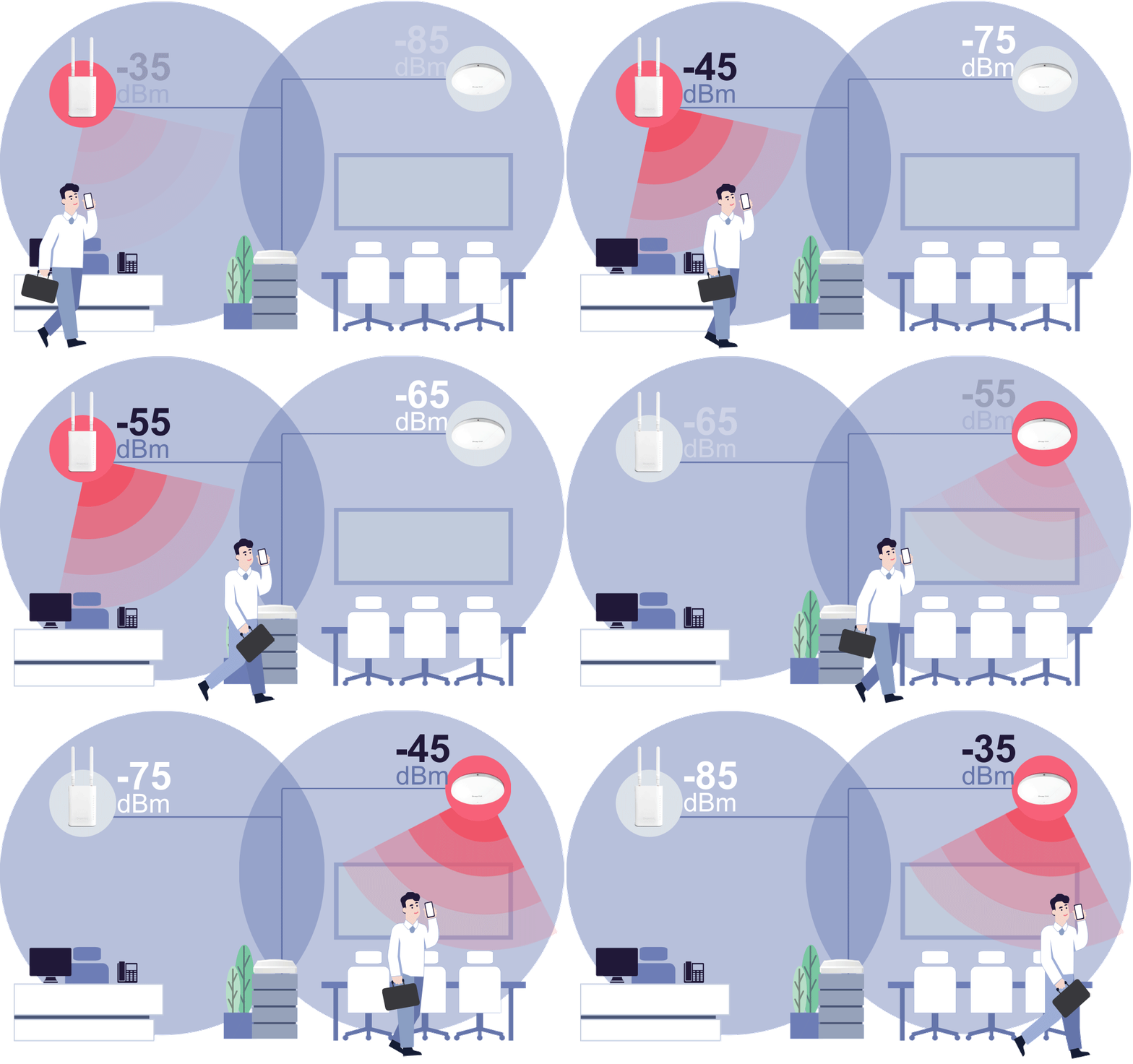
Fast & Smooth Handover
- Switch between access points seamlessly with intelligent roaming support.
- Supports Over-the-DS (via wired backbone) and Over-the-Air handoffs for reliable connectivity during video calls, voice chats, and real-time applications.
Smarter Assisted Roaming
- Signal thresholds and AP steering help devices move to stronger APs and balance network loads.
- Enjoy stable performance across all devices, everywhere.
Always Optimized for Business
- From offices to campuses, seamless roaming ensures uninterrupted mobility.
- Reliable coverage built for the demands of modern workplaces.
Two Modes in One
AP Mode
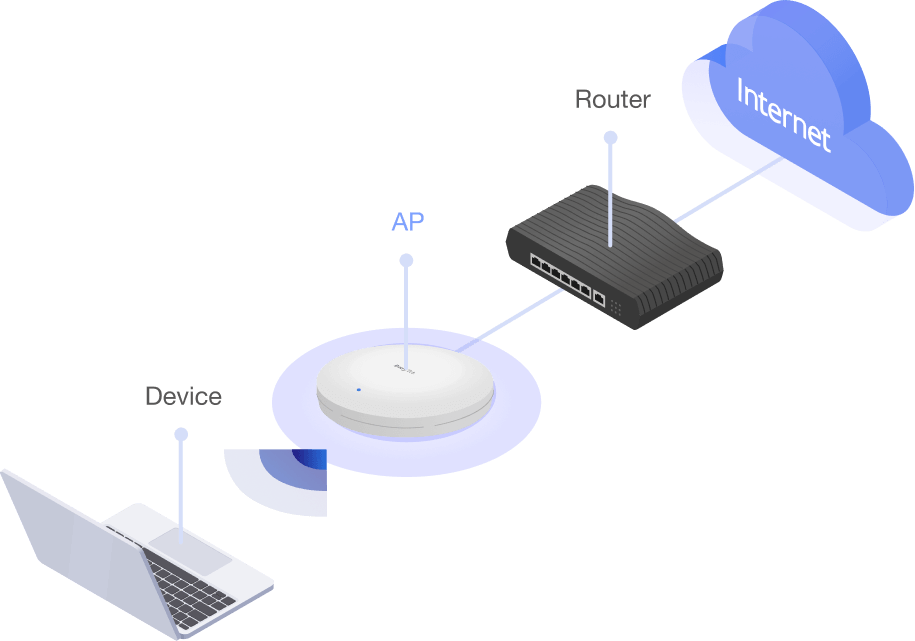
- The mode mostly used
- VigorAP acts as a bridge between wireless devices and wired Ethernet network, and exchanges data between them.
Pros
- Less performance decay
Cons
- Limited wireless coverage
- Require physical wire to connect to the Ethernet
Mesh
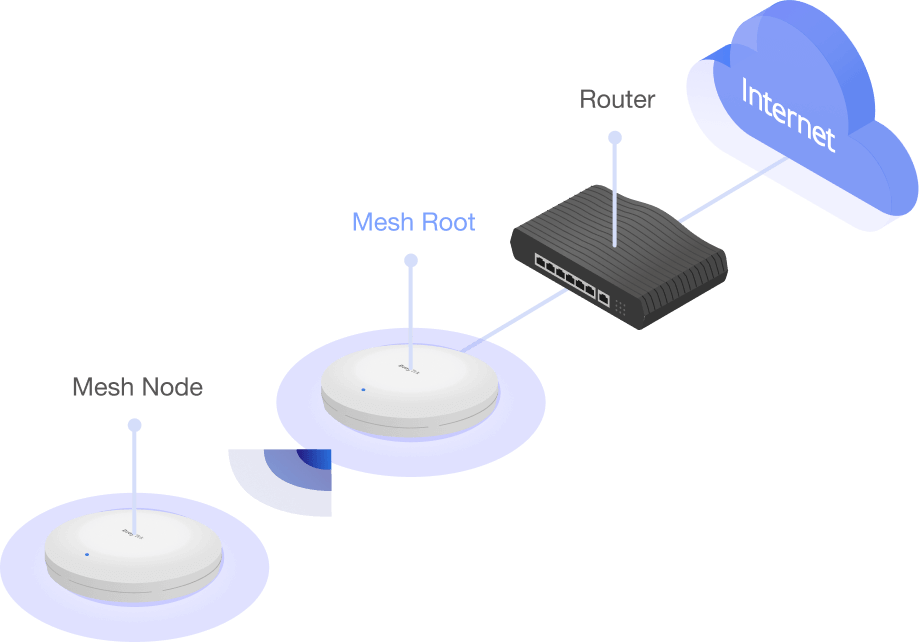
- Wirelessly connect 1~8 APs, and form a Mesh Group
- A mesh network creates a set of links automatically and calculate the most optimal wireless path through the wireless network back to a wired Mesh Root.
Pros
- Easy installation
- Self-healing uplinks
- Extend wireless coverage
Cons
- No compatibility among different brands
- Performance decay
Software Solution
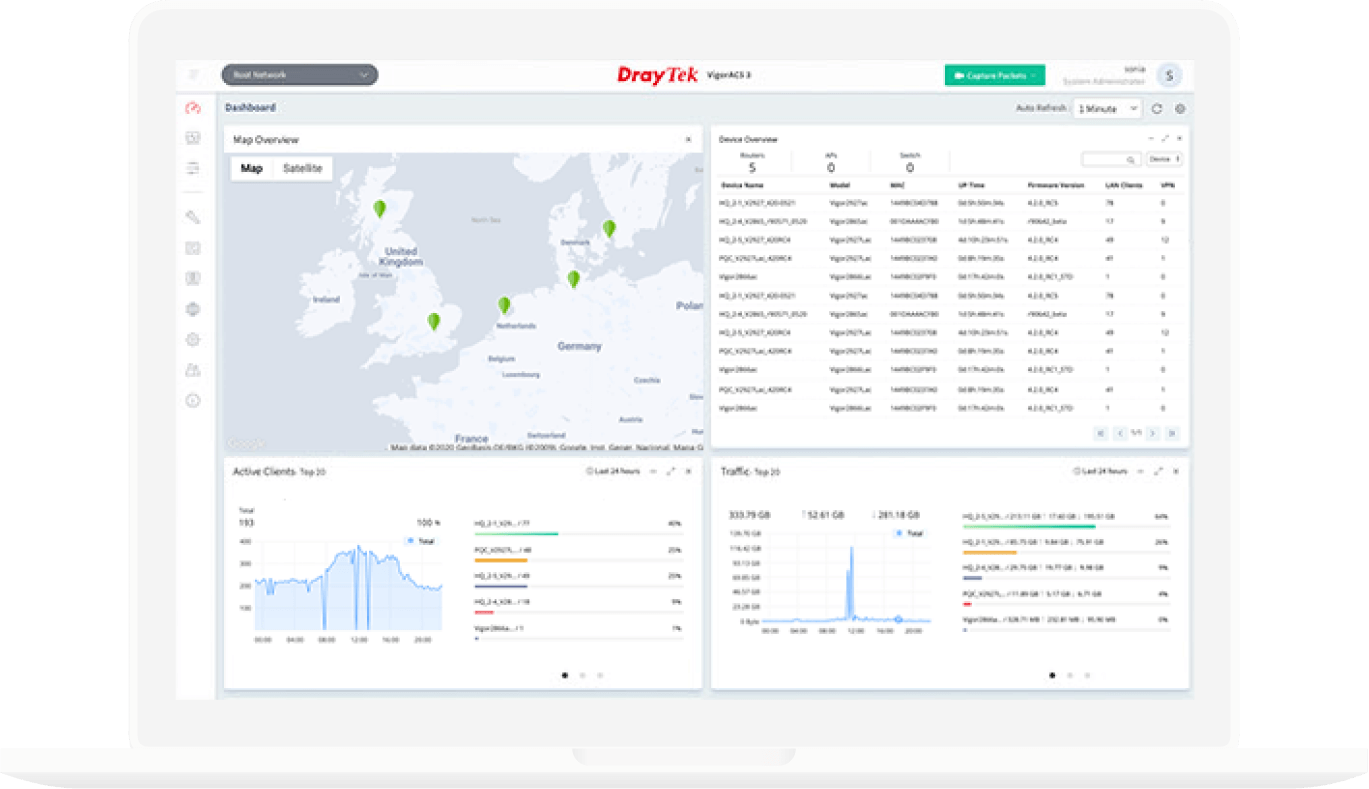
VigorACS
- Provisioning
- Monitoring
- Centralized Hierarchy View Alarm
- Remote AP/Switch/Router Maintenance
- Scheduled Maintenance
- Report
VigorConnect
- AP/Switch Discovery
- Auto-Provisioning
- Monitoring
- Centralized Hierarchy View
- Alarm
- Remote AP/Switch Maintenance
- Scheduled Maintenance
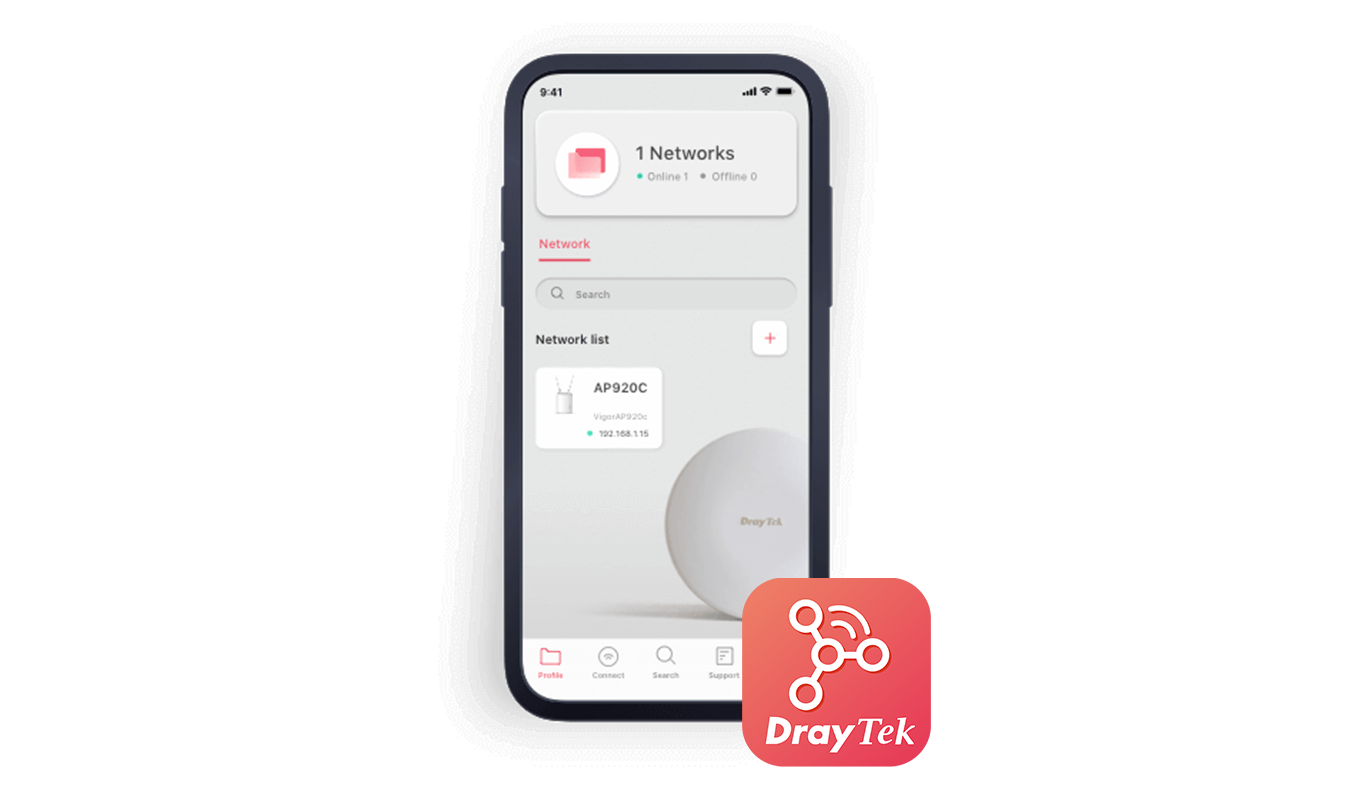
Wireless APP
- Build Wireless Network
- Monitoring
- Parental Control & Client Management
- Mesh WiFi Setup
- Check signal strength and speed test
- Scheduled Maintenance
In the Box
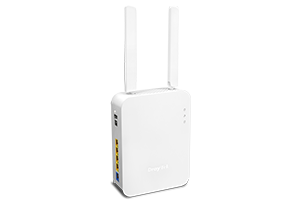 VigorAP 906
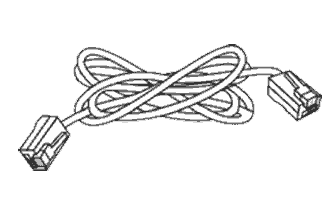 RJ-45 Cable (Ethernet)
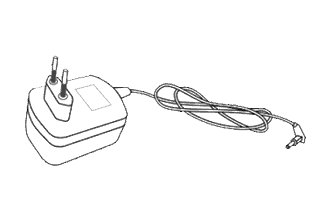 Power Adapter
 Quick Start Guide
Note: The stated throughput figures are the maximums from DrayTek internal testing under optimal conditions, with Hardware Acceleration enabled where available. Actual performance may vary depending on network conditions and the applications enabled.
Key Features

Wi-Fi 6 (ax model only)
Feature OFDMA and MU-MIMO technology to improve Wi-Fi efficiency and deliver higher wireless speed.

PoE Power Supply
Simplify the infrastructure by getting data and power through a single cable.

Multiple SSIDs
Mapping Wi-Fi clients to different VLANs and have a different set of security standards Learn how

Airtime Fairness
Equalize the transmission time of each client so the legacy devices won’t slow everyone down. Learn more


Assisted Wi-Fi Roaming
Solve the sticky client problem and improve Wi-Fi roaming experience. Learn more

Wi-Fi Scheduling
Schedule Wi-Fi On and Off to control wireless access and save energy.

Local RADIUS Server
User profile database for local and external 802.1x authentication.

Hotspot Web Portal
Market your business and communicate with the guests while offering hospitality WLAN. Learn more

Virtual AP Controller
All-in-one management platform for VigorAP 906 to maintain and monitor the VigorAPs.

Specs
Ports | |
| 1 GbE | 5 |
LAN | |
| DHCP | DHCP Client DHCP Server DHCP Relay Agent |
| Static IP | ✓ |
| 802.1q tag-based VLAN | ✓ |
WLAN | |
| Band Type | Dual-Band |
| Wi-Fi 6 | ✓ |
| OFDMA | ✓ |
| Max. Clients | 254 |
| 2.4GHz WLAN | 802.11 b/g/n/ax |
| 5GHz WLAN | 802.11 a/n/ac Wave 2/ax |
| Antennas | 2x External dipole DB |
| 2.4GHz Antenna Gain (dBi) | 2.7 |
| 5GHz Antenna Gain (dBi) | 2.5 |
| 2.4GHz Max. Link Rate (Mbps) | 574 |
| 5GHz Max. Link Rate (Mbps) | 2402 |
| Operating Mode | AP Mesh Root Mesh Node |
| Max. Number of SSIDs (per band) | 8 (4) |
| MAC Address Filter (Max. entry number per SSID) | 256 |
| Security Mode | OWE WEP WPA WPA2/WPA WPA2 WPA3/WPA2 WPA3 |
| Authentication | Enterprise, Personal |
| WMM | ✓ |
| AirTime Fairness | ✓ |
| Band Steering | ✓ |
| Roaming | AP-Assisted Roaming PMK-Caching Pre-Authentication |
| WPS | PBC, PIN |
| WDS | Repeater |
System Maintenance | |
| Syslog | ✓ |
| SNMP | v1, v2c, v3 |
| Firmware Upgrade | TFTP, TR-069, WUI |
| Backup/Restore | ✓ |
Management | |
| Service Control | HTTP HTTPS Telnet |
| Mesh | Node, Root |
| Virtual AP Controller (Device up to) | 30 |
| VigorConnect Management (Since f/w) | V1.4.6 |
| VigorACS Management (Since f/w) | V1.4.5 |
PoE | |
| PoE Input Power Supply | 48-56V @ 0.4A |
| PoE Input | PoE+ (802.3af/at) |
Physical | |
| Environment | Indoor |
| Mounting | Wall / Desktop |
| Powered via | DC / PoE |
| Power Input | 12V DC @ 1.5A |
| Max. Power Consumption (watts) | 17.3 |
| Dimension (mm) | 194 x 155 x 50 |
| Weight (g) | 680 |
| Operating Temperature | 0 to 45°C |
| Storage Temperature | -25 to 70°C |
| Operating Humidity (non-condensing) | 10 to 90% |
Note:
- * : Future Support
- The stated throughput performance figures are the maximum derived from DrayTek internal testing, conducted under optimal conditions, with Hardware Acceleration enabled where available. The actual performance may vary based on network conditions and activated applications.
Resources
Firmware
VigorAP 906 Firmware Version 1.4.13
VigorAP 906 Firmware Version 1.4.13 Release Note