
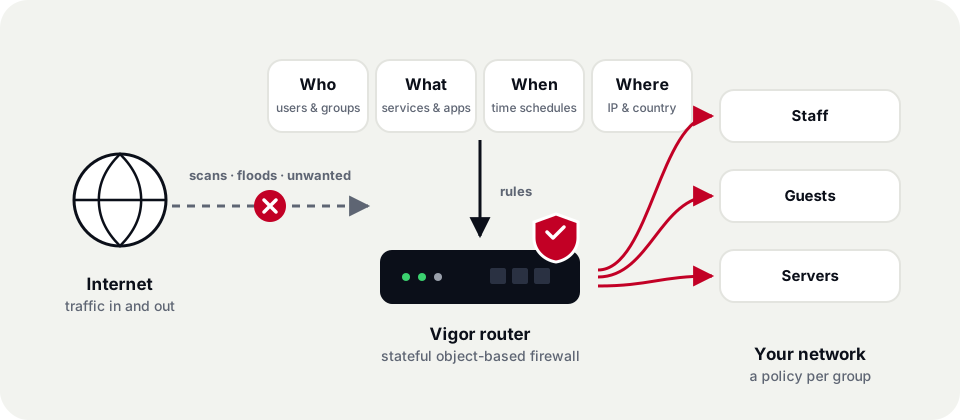
A firewall that only looks at addresses and port numbers was enough when the internet was simpler. Every DrayTek Vigor router combines stateful packet inspection with object-based rules, user identity and time schedules, so you can write policy the way your business thinks about it — who, what, when and where — and enforce it at the edge of the network.
Rules built from objects, not spreadsheets
Instead of typing the same addresses and port numbers into rule after rule, you describe things once as objects — a host, an IP range or subnet, a service such as SIP or RDP, a keyword, a country — and collect them into groups. Rules then read like plain sentences: allow the Accounts group to reach the finance server on weekdays. Change an object and every rule that uses it follows.

Stateful inspection
The router tracks every connection, so replies to traffic you started are allowed while unsolicited inbound packets are dropped.

Object-based rules
IP, service, keyword and country objects — and groups of them — keep even large rule sets short and easy to audit.

User and group policies
Tie rules to people rather than devices with User Management, using local accounts or your RADIUS / LDAP directory.

Time schedules
Apply a rule only during office hours, at lunch or overnight; schedules can also switch access off automatically.
Layers that work together

Flood and attack defense
SYN, UDP and ICMP floods, port scans and spoofed or malformed packets are dropped before they reach the LAN.

Location-aware rules
Country objects let you limit which regions can reach exposed services, such as remote management or a VPN, on supported firmware.

Content and app control
Combine firewall rules with the Web & App Content Filter to manage websites and applications too.

Quotas and log-in
Make users sign in before they get online, with optional time and data quotas that reset on a schedule.

Logging and syslog
Send firewall, log-in and session events to syslog or VigorACS for troubleshooting and compliance records.

Threat Protection ready
On supported models, add AI-assisted Threat Protection for the router, the network and every device.
What it looks like in practice
| Goal | How the rule is built |
|---|---|
| Keep guests off the office LAN | Guest VLAN or SSID, plus a rule that blocks traffic from the guest subnet to the office subnet objects |
| Social media only at lunch | A rule for the Staff group that allows the social-networking category on a 12:00–1:00 schedule |
| Lock down remote management | Allow the router’s admin interface only from the head-office IP object; deny everything else |
| Give a contractor temporary access | A user account with a time and data quota and a schedule that ends on the contract date |
Available features and limits vary by model and firmware (DrayOS 4 or DrayOS 5). Tell us how you want to segment your network and we’ll recommend the right Vigor router.
Featured products
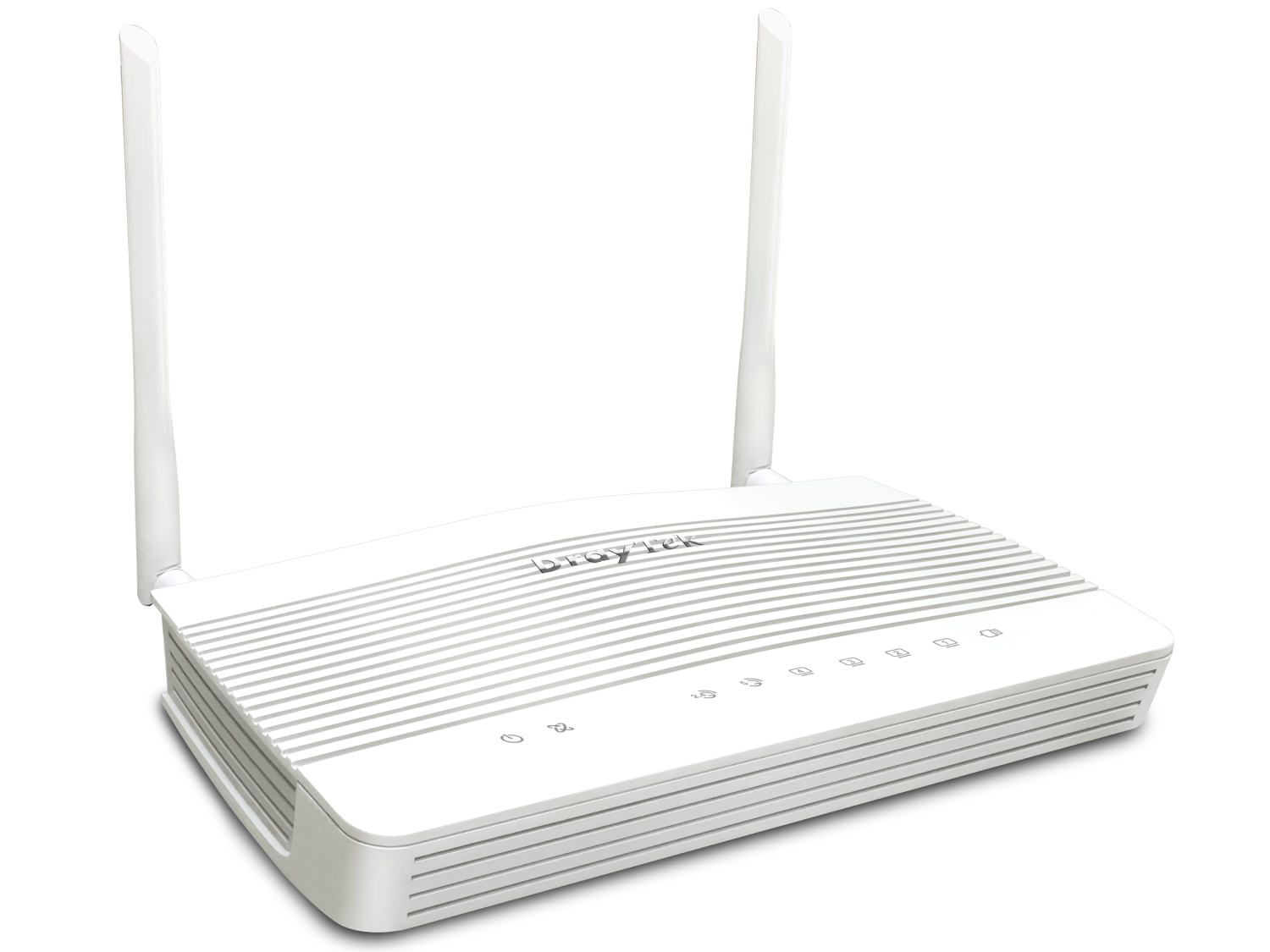
Vigor2136 Series
Small offices and retail
- 2.5 Gigabit Ethernet WAN
- 50K NAT sessions
- 16 concurrent VPN tunnels
- Optional Wi-Fi 6 model
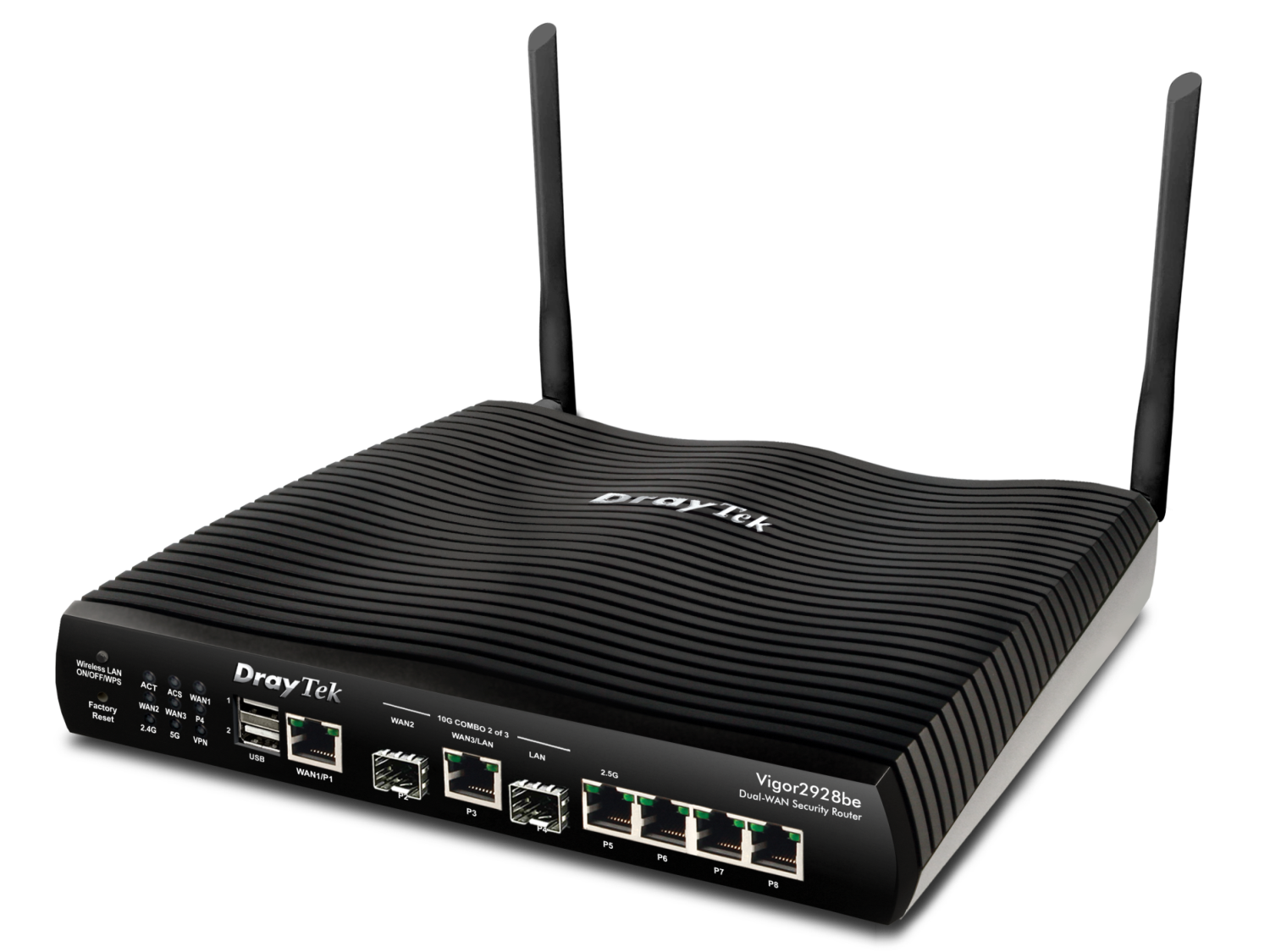
Vigor2928 Series
Growing businesses and busy branches
- 10GbE SFP+ WAN plus 1GbE WAN
- 100K NAT sessions
- 50 concurrent VPN tunnels
- Enhanced security with IAM